
ChatBuild AI favicon

ChatBuild AI
AI Custom Chatbots Generated in Minutes

What is ChatBuild AI?

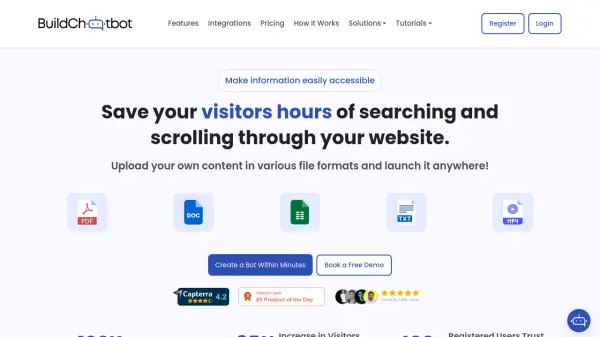
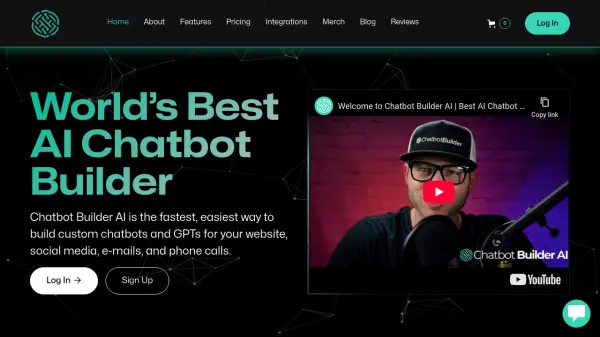
ChatBuild AI is a platform that allows users to easily create AI-powered chatbots for their websites. These chatbots are trained on custom data provided by the user, such as documents, URLs, and sitemaps, enabling personalized and relevant interactions with website visitors.

The platform requires no coding experience, making it accessible to a wide range of users. Key capabilities include custom data training, real-time live chat functionality, and the ability to view chat history. ChatBuild helps improve customer support and boost website conversions.

Features

  • Custom Training: Train your chatbot on your own custom data like URL Links, sitemaps, CSV files & more.
  • Real-time Live Chat: Be able to chat with your website visitors in real-time.
  • Chat History: View the chat history of your website visitors.
  • File Uploads: Upload files to train your chatbot.

Use Cases

  • 24/7 customer support
  • Lead generation
  • Website visitor engagement
  • Real-time customer interaction

FAQs

  • Can I upload files to train my chatbot?
    Yes, you can upload files to train your chatbot.
  • How can I integrate the chatbot onto my website?
    The chatbot can be embedded on your website.
  • Is there anyway I can test out the chatbot beforehand?
    Yes, there is a demo available.
  • How are messages calculated on my account?
    The pricing plans detail the message limits.
  • Is there any watermark or branding on the chatbot?
    Paid plans includes Custom branding option.

Related Queries

Helpful for people in the following professions

Related Tools:

Blogs:

  • Top 6 AI note-taking tools for 2026: in-person, online, and hybrid use cases

    Top 6 AI note-taking tools for 2026: in-person, online, and hybrid use cases

    Most AI note-taking lists are really lists of meeting bots, which join your video call and transcribe it. That's useful, but it's half the picture. Decisions happen in hallway conversations, client dinners, on-site visits, and hybrid rooms where nobody is on a video link. This guide covers different parts of the note-taking workflow: hardware capture for in-person settings, platform-native tools for online calls, and AI layers for organizing and synthesizing what you've captured. It compares six tools by capture context, workflow fit, pricing, and limitations.

  • Best AI tools for Product Photography

    Best AI tools for Product Photography

    Explore top AI tools that can elevate your product photography, helping you enhance images, streamline workflows, and create professional visuals with ease.

  • Chat with PDF AI Tools

    Chat with PDF AI Tools

    Easily interact with your PDF documents using our advanced AI-powered tool. Whether you're reading lengthy reports, research papers, contracts, or eBooks, our platform lets you chat directly with your PDF files, ask questions, extract insights, and get summaries in real-time.

Didn't find tool you were looking for?

Be as detailed as possible for better results