What is ChartDB?
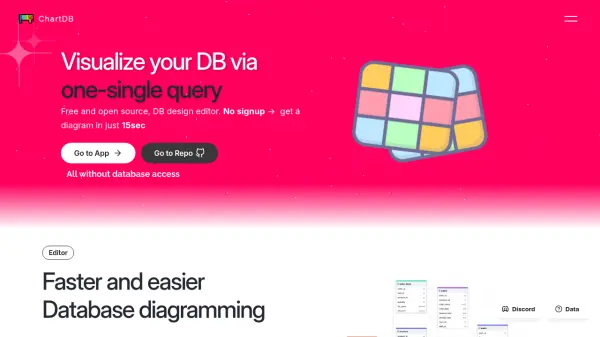
ChartDB provides a rapid and intuitive solution for database diagramming. Users can import their entire database schema in approximately 15 seconds by executing a single, pre-defined query specific to their database management system (DBMS). It supports popular relational databases such as MySQL, MariaDB, PostgreSQL, Microsoft SQL Server, and SQLite.
The platform features a visual editor for building and customizing diagrams with ease, including functionalities like undo, redo, and management of tables and relationships. Diagrams can be exported as SQL Data Definition Language (DDL) scripts, utilizing AI to generate the correct syntax for the specified database dialect, or as image files suitable for documentation. Additionally, ChartDB offers visually appealing previews for sharing diagrams.
Features
- Instant Import: Fetch entire database schema using a single query.
- Visual Editor: Build and customize database diagrams interactively.
- AI Export: Generate database-specific SQL (DDL) scripts using AI.
- Relational DBMS Support: Compatible with MySQL, MariaDB, PostgreSQL, Microsoft SQL Server, SQLite, and ClickHouse.
- Advanced Editor Features: Includes undo/redo, table and relationship management, notes, and subject areas.
- Beautiful Shares: Generates visually appealing previews for sharing diagrams.
- AI Assistant Add-on: Chat with schema and automate tasks like finding missing keys or grouping tables (Available on paid plans).
Use Cases
- Visualizing existing database schemas quickly.
- Designing new database structures.
- Generating SQL DDL scripts for database creation or migration.
- Documenting database models for technical specifications.
- Collaborating on database design with team members.
- Understanding complex database relationships.
- Reverse engineering databases into visual diagrams.