Cartoonifier favicon

Cartoonifier
Turn Any Photo into a Cartoon Masterpiece

What is Cartoonifier?

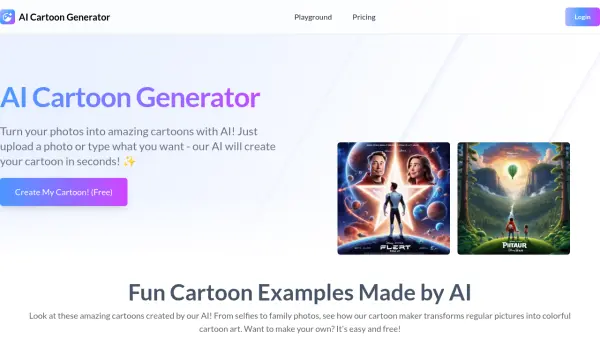
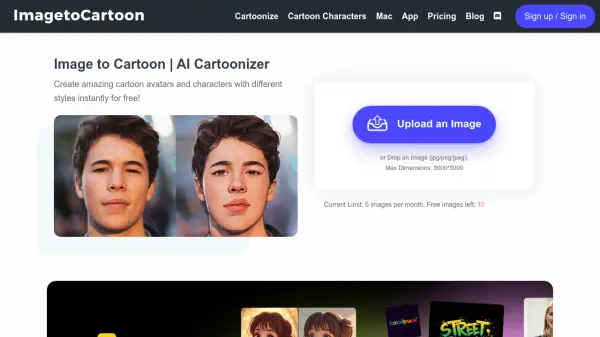
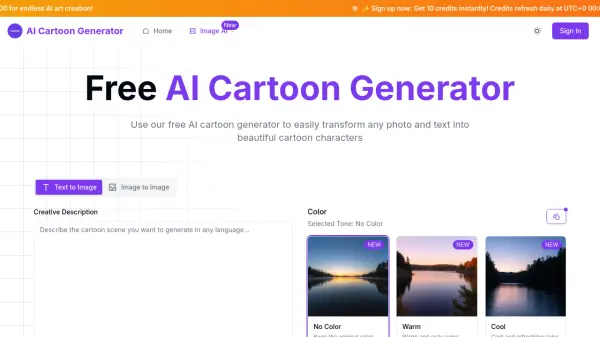
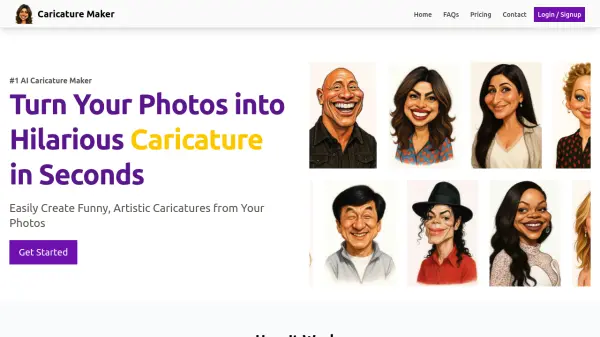
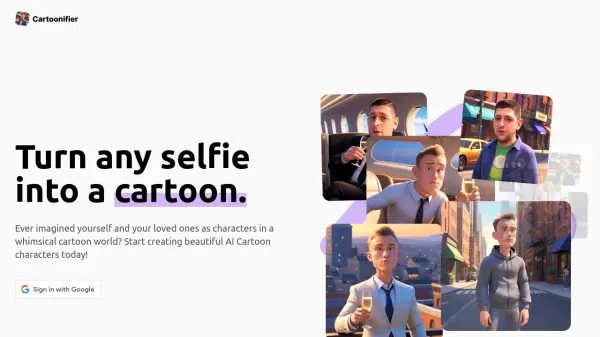
Cartoonifier utilizes advanced AI to transform ordinary photos into captivating cartoon renderings. This tool allows users to easily convert selfies and other images into unique cartoon characters, offering a fun and creative way to reimagine personal photos.

The process is straightforward – simply upload an image, and the AI processes it to produce a high-quality cartoon version. Cartoonifier provides a unique service for those looking to add a touch of whimsy to their pictures.

Features

  • Image Upload: Easily upload selfies or other photos for cartoon conversion.
  • AI-Powered Transformation: Utilizes AI to convert images into cartoon characters.
  • High-Quality Output: Produces detailed and aesthetically pleasing cartoon images.

Use Cases

  • Creating unique profile pictures for social media.
  • Designing personalized gifts.
  • Generating fun cartoon avatars.
  • Developing content for creative projects.

Related Queries

Helpful for people in the following professions

Related Tools:

Blogs:

  • AI tools for video voice overs

    AI tools for video voice overs

    Discover the next level of video production with AI-powered voiceover tools. Enhance your content effortlessly, ensuring professional-quality narration for your videos.

  • Best AI tools for Product Photography

    Best AI tools for Product Photography

    Explore top AI tools that can elevate your product photography, helping you enhance images, streamline workflows, and create professional visuals with ease.

  • Top 6 AI note-taking tools for 2026: in-person, online, and hybrid use cases

    Top 6 AI note-taking tools for 2026: in-person, online, and hybrid use cases

    Most AI note-taking lists are really lists of meeting bots, which join your video call and transcribe it. That's useful, but it's half the picture. Decisions happen in hallway conversations, client dinners, on-site visits, and hybrid rooms where nobody is on a video link. This guide covers different parts of the note-taking workflow: hardware capture for in-person settings, platform-native tools for online calls, and AI layers for organizing and synthesizing what you've captured. It compares six tools by capture context, workflow fit, pricing, and limitations.

Didn't find tool you were looking for?

Be as detailed as possible for better results