What is Calculator Tools?
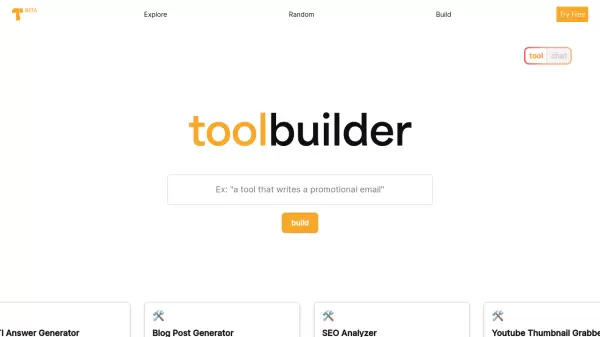
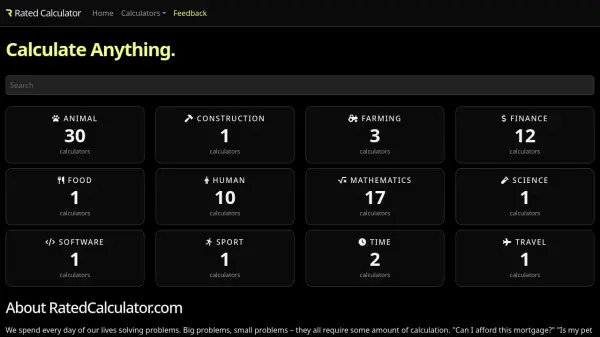
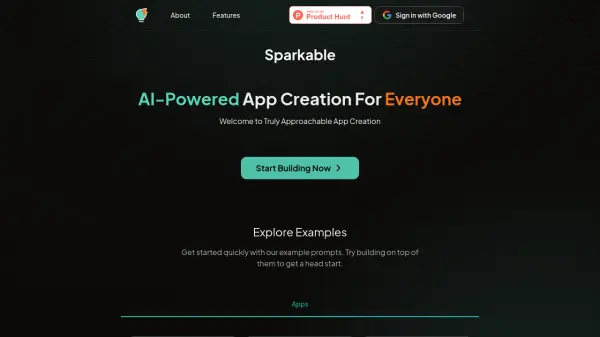
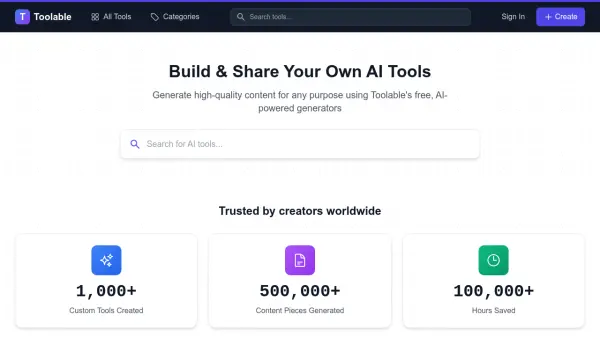
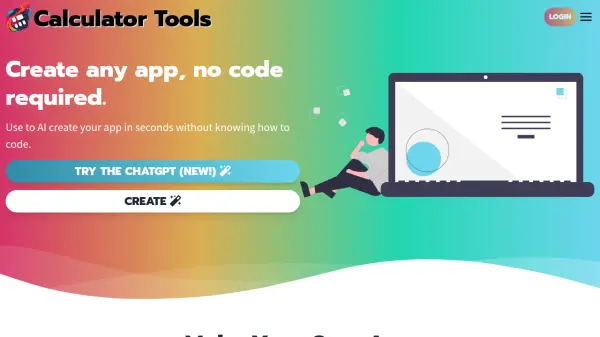
Calculator Tools empowers users to create custom web applications through AI-driven development, requiring no programming expertise. The platform enables the creation of diverse tools including mini-games, trackers, calculators, converters, and editors through simple prompts.
The platform supports various AI capabilities, including GPT-4, GPT-4 Vision, and text-to-speech functionality. Users can create applications from images, screenshots, or text descriptions, and share their creations with others worldwide. All web apps work offline and can store data locally.
Features
- AI-Powered App Creation: Generate web apps through simple prompts
- No-Code Platform: Create applications without programming knowledge
- Image to App Conversion: Create apps from images and screenshots
- Offline Functionality: Apps work without internet connection
- Local Data Storage: Save user data locally
- Sharing Capability: Share created apps with anyone
- Custom GPT Integration: Access to specialized AI models
- App Editing: Modify and create new versions of existing apps
Use Cases
- Creating educational tools and quizzes
- Developing office calculators and tracking tools
- Building simple games and entertainment apps
- Designing estimation forms and pricing tables
- Creating presentation companion tools
- Developing classroom learning activities
- Building industry-specific calculators
- Making task lists and trackers
FAQs
-
Do I need programming knowledge to use Calculator Tools?
No, Calculator Tools is designed for users with no coding experience. The AI handles all the programming aspects. -
Can I share my created apps with others?
Yes, you can share your apps with anyone through a link, and they can use it without any restrictions. -
Are there special discounts for educators?
Yes, Calculator Tools offers discounted pricing and free memberships for qualified teachers and educators using the platform in educational settings. -
Do the apps work offline?
Yes, most web apps created with Calculator Tools work offline and can save small amounts of data locally.