What is Butter?
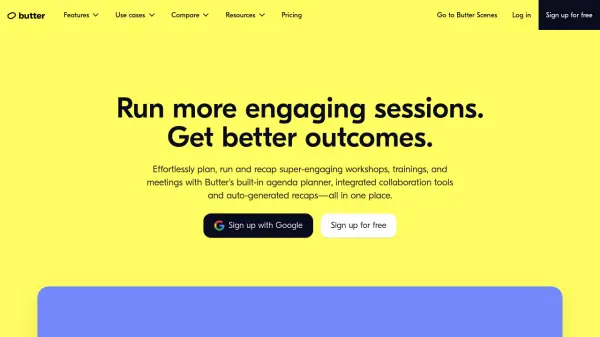
Butter is a comprehensive platform designed to facilitate engaging and productive online sessions. It empowers facilitators, trainers, and hosts with the tools needed to plan, run, and recap interactive collaborative sessions, including workshops, trainings, and meetings.
The platform provides features for creating customized agendas, preloading collaboration tools, and automatically generating session summaries. It integrates with popular apps like Miro, MURAL, Google Docs, and YouTube, centralizing all necessary resources in one location. Butter enhances engagement with emoji reactions, sound effects, breakout rooms, and polls, fostering active participation. After sessions, it offers detailed recaps, including AI-powered summaries, transcripts, and engagement analytics.
Features
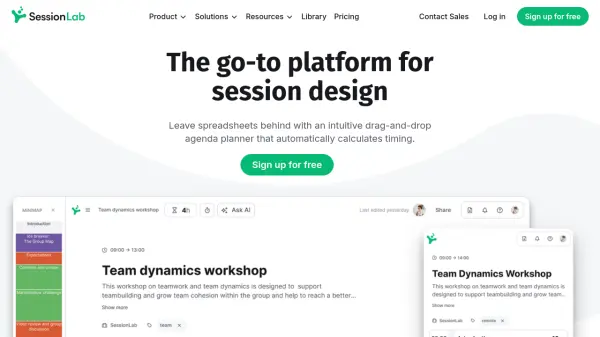
- Agenda Planner: Create customized agendas preloaded with tools in minutes.
- Toolbox: Your favorite facilitation tools in one place.
- Templates & Library: Save time with customizable & reusable templates.
- Projects & Shared Rooms: Organize your projects & invite collaborators to shared rooms.
- Engagement: Emoji reactions, sound effects, GIFs, and a hands-up queue.
- Breakouts: Set up, run, and observe breakout rooms and groups.
- Presenting: Screenshare, share a PDF, or highlight the presenters.
- Polls: Ask open-ended or multiple-choice questions.
- Flashcards: Spark conversation with interactive flashcards.
- Integrations for Collaboration: Miro, MURAL, Google Docs, YouTube, and more.
- Shareable recaps & recording: Remember, find and share your session recaps instantly.
- Engagement analytics & feedback: Learn and refine your trainings by understanding what works.
- AI-powered summaries, transcripts & highlights: Every important detail and outcome captured effortlessly.
- Session resources & notes: Centralize your notes, tools and links in one place.
Use Cases
- Trainings
- Bootcamps
- Cohort-Based Courses
- Workshops
- Coaching & Mentoring
- Meetings
- Townhalls & All-Hands
FAQs
-
How many participants can join a Butter session?
We support up to 200 people in your sessions, but there are limits depending on what plan you're on. On the free plan, you can have up to 20 participants. -
Do you need an account to join a Butter session?
Nope! Participants can join by clicking the shared invite link through their browser, the Butter desktop app, or the Butter mobile app. -
Do you need to download anything to join/host a Butter session?
No! You can access Butter directly from your browser.We also have a desktop app if that’s more your style. If you’re joining from mobile, you can get the mobile app for iOS and Android here. -
Do you have a desktop or mobile app?
Yes, we do. You can download the Butter desktop app to run or join sessions. We also have the Butter mobile app for participants on the go! -
What happens when I deactivate a member in my workspace?
If you deactivate a member, they will no longer have access to the workspace or any of the content in it (including recaps, templates, rooms, etc). It also frees up a spot for another member.Deactivated members can be reactivated again if needed.