What is Business Model Fiddle?
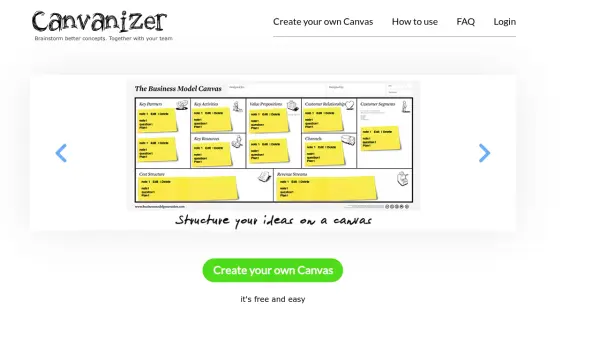
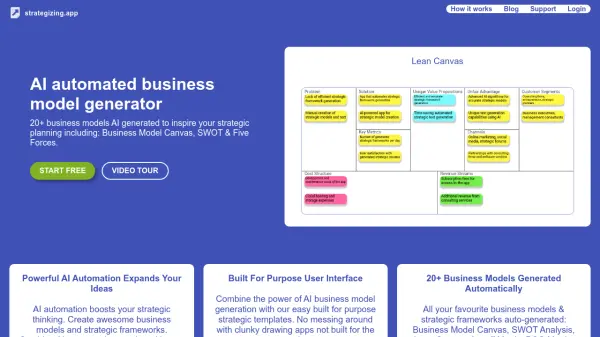
Business Model Fiddle provides a streamlined, browser-based environment for entrepreneurs and professionals to design, customize, and iterate on their business ideas using popular canvas models. The platform offers pre-built templates, drag-and-drop interfaces, snapshot versioning, and secure sharing for collaborative business model development.
With no installation required and compatibility across all major devices and operating systems, users can experiment, capture feedback, and track changes as their business concepts evolve. Securely store and share your canvases, customize templates, and keep discussions threaded with the integrated comment system.
Features
- Canvas Templates: Access pre-built templates for popular business model canvases
- Drag-and-Drop Editing: Easily organize and modify canvas elements through intuitive drag-and-drop functionality
- Snapshot Versioning: Capture key changes and revert to previous versions with snapshot history
- Secure Sharing: Share business models via simple links with control over access and privacy
- Comment System: Track discussions and gather feedback directly within each canvas
- Device Compatibility: Use the tool seamlessly on any browser, OS, or mobile device
- Customizable Templates: Tailor canvases and help information to fit individual needs
- No Account Required: Store canvases locally in browser and sign up for cloud saving and sharing
Use Cases
- Creating and iterating on startup business models
- Collaborating with a team on business strategy
- Capturing and revising ideas for educational business model exercises
- Quickly prototyping and sharing social enterprise concepts
- Organizing and tracking pivots for product development
- Advising clients on business structures during consultancy sessions