Build It For Me favicon

Build It For Me
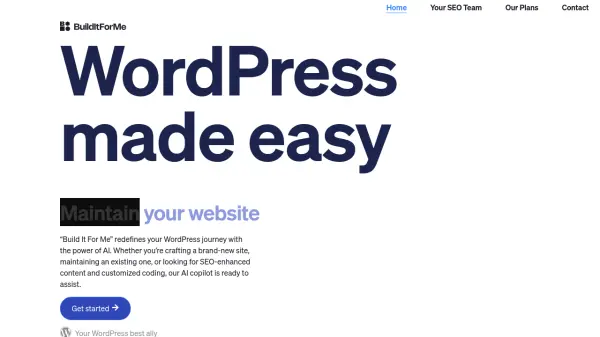
WordPress made easy

What is Build It For Me?

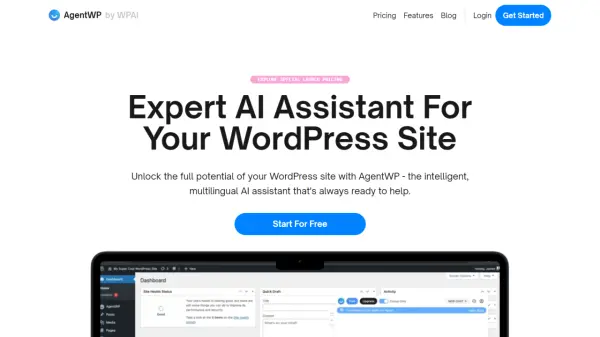
Build It For Me redefines the WordPress experience with its AI copilot, Billy. This innovative tool assists users in various aspects of website management, from initial creation to ongoing maintenance and growth.

Beyond providing guidance, Billy offers personalized advice based on the website's content and configuration, and can even modify pages and posts on demand. It significantly streamlines WordPress management, making it more accessible and efficient for all users.

Features

  • WordPress Copilot: Expert assistance with WordPress website management.
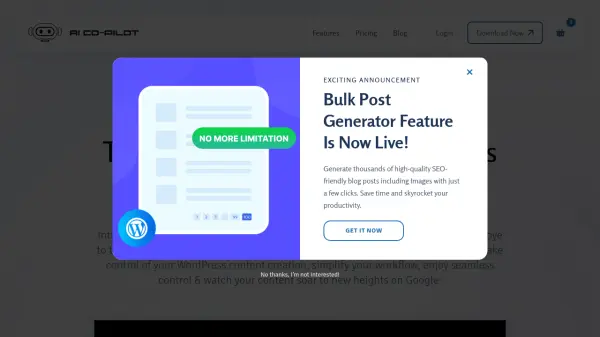
  • Content Creation: AI-powered blog post and page generation.
  • SEO Optimization: Create content optimized for search engines, with meta descriptions, image Alts, and other SEO elements.
  • Widget Builder: Create customizable, interactive widgets without code.
  • Personalized Advice: Receive tailored recommendations based on your website's content and configuration.

Use Cases

  • Creating a new WordPress website.
  • Maintaining and updating an existing WordPress website.
  • Generating SEO-optimized blog posts and articles.
  • Building custom widgets to enhance website interactivity.
  • Getting personalized advice on website improvements.

Related Tools:

Blogs:

  • Top AI tools for Teachers

    Top AI tools for Teachers

    Explore the top AI tools designed for teachers, revolutionizing the education landscape. These innovative tools leverage artificial intelligence to enhance teaching efficiency, personalize learning experiences, automate administrative tasks, and provide valuable insights, empowering educators to create engaging and effective educational environments.

  • Top 6 AI note-taking tools for 2026: in-person, online, and hybrid use cases

    Top 6 AI note-taking tools for 2026: in-person, online, and hybrid use cases

    Most AI note-taking lists are really lists of meeting bots, which join your video call and transcribe it. That's useful, but it's half the picture. Decisions happen in hallway conversations, client dinners, on-site visits, and hybrid rooms where nobody is on a video link. This guide covers different parts of the note-taking workflow: hardware capture for in-person settings, platform-native tools for online calls, and AI layers for organizing and synthesizing what you've captured. It compares six tools by capture context, workflow fit, pricing, and limitations.

Didn't find tool you were looking for?

Be as detailed as possible for better results