What is Browser MCP?
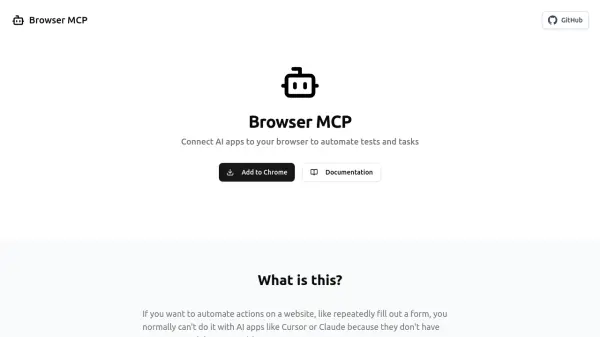
Browser MCP is a tool designed to bridge the gap between AI applications and web browsers. It allows users to connect AI apps, such as Cursor or Claude, directly to their browser environment through a dedicated extension and server setup. This connection facilitates the automation of various web-based activities, including repetitive tasks and software testing.
By operating locally on the user's machine, Browser MCP ensures automation processes are fast and private, as browser activity is not transmitted to remote servers. It leverages the user's existing browser profile, maintaining login sessions and utilizing the real browser fingerprint to potentially bypass basic bot detection mechanisms. This enables AI applications to interact with websites seamlessly for tasks like form filling, data collection, and executing end-to-end tests.
By operating locally on the user's machine, Browser MCP ensures automation processes are fast and private, as browser activity is not transmitted to remote servers. It leverages the user's existing browser profile, maintaining login sessions and utilizing the real browser fingerprint to potentially bypass basic bot detection mechanisms. This enables AI applications to interact with websites seamlessly for tasks like form filling, data collection, and executing end-to-end tests.
Features
- Local Automation: Executes tasks directly on the user's machine for improved speed and privacy.
- Existing Profile Usage: Utilizes the user's current browser profile, maintaining login states.
- Stealth Operation: Uses real browser fingerprint to potentially bypass basic bot detection.
- Browser Action Tools: Provides functions like Navigate, Go Back/Forward, Wait, Press Key, Snapshot, Click, Drag & Drop, Hover, Type Text, Get Console Logs, Screenshot.
- AI App Integration: Connects with AI applications like Cursor, Claude, Windsurf, and VSCode.
Use Cases
- Automate end-to-end testing of web applications using AI editors.
- Automate repetitive web tasks like data collection and form filling.
- Enable AI applications to interact with websites requiring user login.
- Streamline workflows involving web browser interactions.