What is Backtrace?
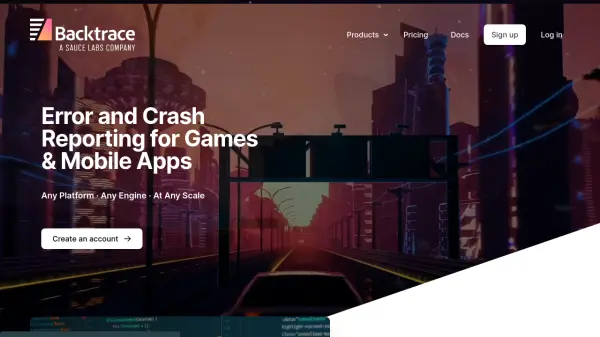
Backtrace is an error and crash reporting platform designed specifically for game developers and mobile app creators. It provides comprehensive monitoring capabilities across multiple platforms including Unity, Unreal Engine, custom engines, mobile devices, PCs, and game consoles. The platform helps developers detect and resolve various types of errors including debug log errors, handled and unhandled exceptions, native crashes, hangs, and out of memory events.
The system offers advanced features such as custom attributes for insightful prioritization, flexible query and search functionality, web debugging interface, data scrubbing for compliance, and customizable retention policies. Backtrace integrates seamlessly into existing development workflows, supporting SCM systems, alerting mechanisms, ticket tracking, and messaging platforms to enable efficient error management throughout the development lifecycle.
Features
- Error Monitoring: Capture and report debug log errors, exceptions, crashes, hangs, and out of memory events
- Custom Attributes: Add runtime data like level/map or server to crash reports for better prioritization
- Query & Search: Built-in filter, search, and analysis across all error report data without exporting
- Web Debug: Integrated debugging UI with symbol management and advanced dump analysis
- Data Scrubbing: Remove PII and sensitive information from dumps in a compliant manner
- Flexible Deployment: Support for on-premise and cloud-hosted environments
- Retention Management: Handle retention for dumps and metadata independently based on time, error group, and attributes
Use Cases
- Monitoring game crashes across multiple platforms
- Debugging Unity game errors and exceptions
- Tracking mobile app crashes on iOS and Android
- Managing error reports for console games
- Prioritizing game quality issues based on impact
- Integrating crash data into development workflows
- Compliant handling of sensitive data in error reports