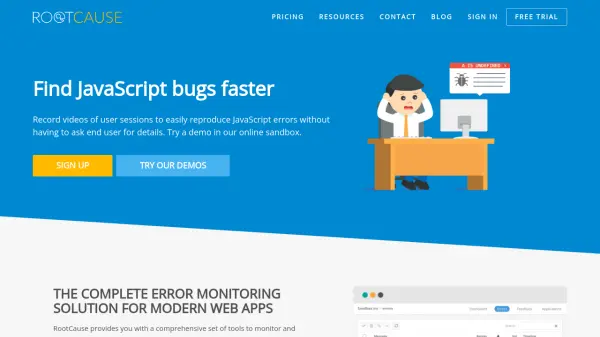
What is RootCause?
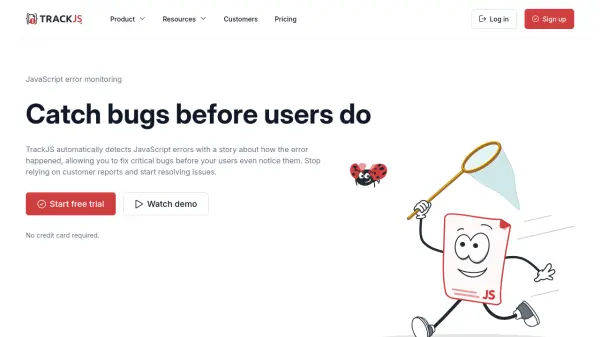
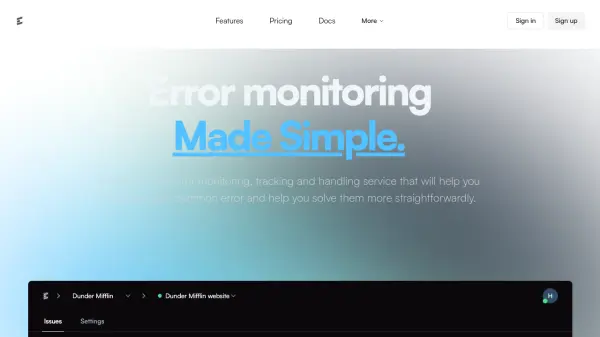
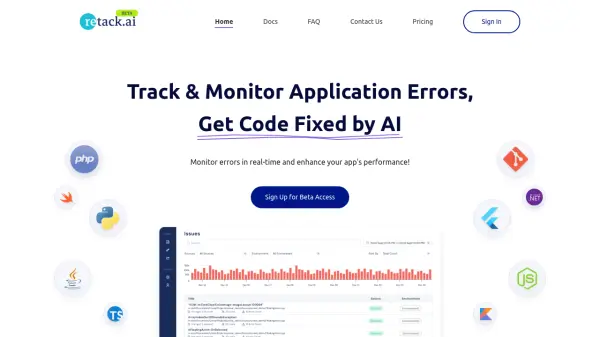
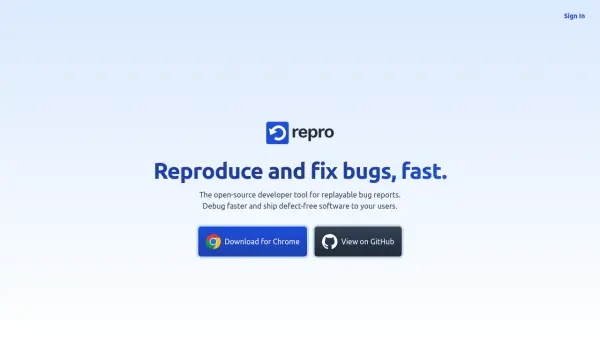
RootCause provides a comprehensive set of tools to monitor and reproduce errors in web sites and applications. Using the built-in recorder feature, developers can capture exactly what users did when errors occurred. After an error is logged, the web-based Replay Studio allows replaying the session to reproduce the error with one click, eliminating the need to parse through call stacks or large logs.
The tool includes a feedback button for collecting reports about visual, usability, and rendering errors from users. It supports debugging with breakpoints after replaying sessions, making error reproduction and fixing more efficient. RootCause helps save time and money by reducing manual communication with end users or QA teams for bug reproduction.
Features
- Session Recording: Records user interactions, AJAX requests, console logs, and other data to capture error contexts
- Replay Studio: Web-based tool to replay user sessions and reproduce errors with one click
- Error Notifications: Sends alerts via email or Slack when unhandled exceptions occur
- Feedback Button: Collects reports about visual, usability, and rendering errors from users
- Debugging with Breakpoints: Allows setting breakpoints after replaying sessions for live debugging
- Integrations: Supports integrations with Jira, GitHub, and Docker for on-premises deployment
Use Cases
- Reproducing JavaScript bugs in web applications without manual user communication
- Monitoring and debugging errors in modern web apps with session replay
- Collecting user feedback on visual, usability, or rendering issues
- Recording video of failing test cases for QA and development teams
- Exporting error reports to issue tracking systems like Jira
FAQs
-
Do you offer discounts for non-profit or educational institutions?
Yes, discounts are available for non-profit or educational institutions. Users should send an email to request assistance. -
How do I cancel my subscription?
Subscriptions can be canceled anytime inside the Organisation account page.