Avenista favicon

Avenista
The best restaurant table booking software for less

What is Avenista?

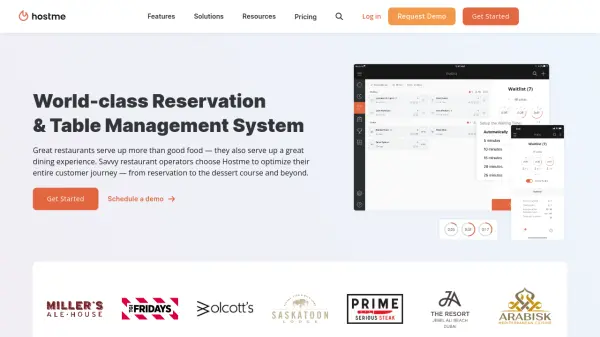
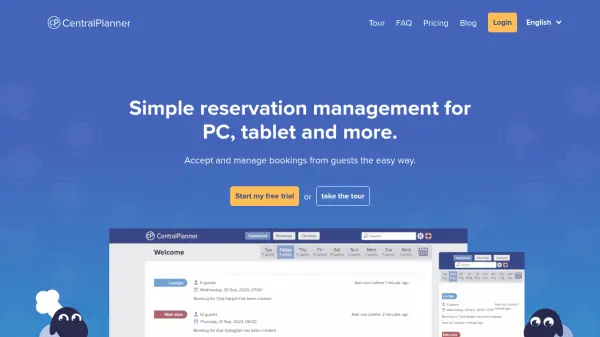
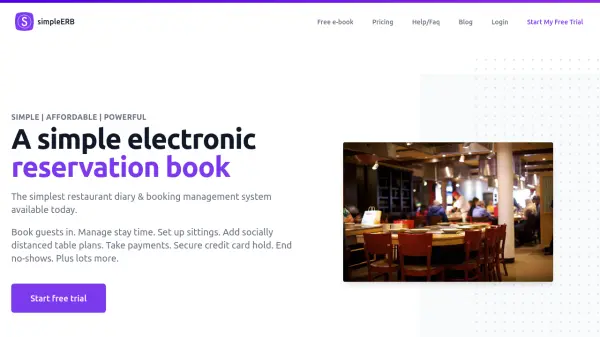
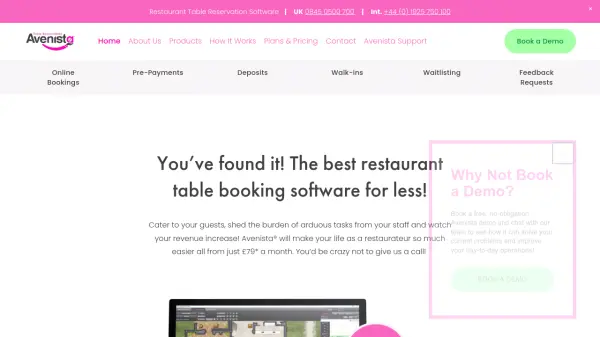
Avenista provides a visual, user-friendly platform designed specifically for restaurant management. The software enables control over live table bookings, waitlist management, and customer database building through an intuitive interface. It operates on any Windows tablet, laptop, or workstation with full touch compatibility, offering flexibility for use in various restaurant environments.

The system includes multiple website widgets that allow 24/7 online bookings while intelligently allocating reservations to table plans. Features such as pre-payments, deposits, and card capture help prevent no-shows, while tools for walk-ins, table re-optimization, and VIP management enhance operational efficiency. Each restaurant receives a personalized, artist-drawn table plan, and the platform includes comprehensive customer service support as part of the package.

Features

  • Pre-Payments & Deposits: Secure deposits or card details to prevent no-shows and manage upfront payments
  • Unlimited FREE Online Reservations: Multiple website widgets enable 24/7 booking without additional costs
  • Intelligent Table Allocation: Widgets automatically assign reservations to optimize table plans
  • Customer Database Management: Build GDPR-compliant databases with customer preferences, allergies, and visit history
  • Live Session Tools: Features for walk-ins, waitlists, VIP fast lane, and table re-optimization during service

Use Cases

  • Managing restaurant table bookings and reservations
  • Preventing customer no-shows through deposit systems
  • Building and maintaining customer databases for marketing
  • Handling walk-in customers and waitlists efficiently
  • Streamlining restaurant operations during live service sessions

Related Tools:

Blogs:

  • Top 6 AI note-taking tools for 2026: in-person, online, and hybrid use cases

    Top 6 AI note-taking tools for 2026: in-person, online, and hybrid use cases

    Most AI note-taking lists are really lists of meeting bots, which join your video call and transcribe it. That's useful, but it's half the picture. Decisions happen in hallway conversations, client dinners, on-site visits, and hybrid rooms where nobody is on a video link. This guide covers different parts of the note-taking workflow: hardware capture for in-person settings, platform-native tools for online calls, and AI layers for organizing and synthesizing what you've captured. It compares six tools by capture context, workflow fit, pricing, and limitations.

  • AI tools for video voice overs

    AI tools for video voice overs

    Discover the next level of video production with AI-powered voiceover tools. Enhance your content effortlessly, ensuring professional-quality narration for your videos.

  • Top AI tools for Students

    Top AI tools for Students

    These AI tools are designed to enhance the learning experience for students. From personalized study plans to intelligent tutoring systems.

  • Top AI tools for Teachers

    Top AI tools for Teachers

    Explore the top AI tools designed for teachers, revolutionizing the education landscape. These innovative tools leverage artificial intelligence to enhance teaching efficiency, personalize learning experiences, automate administrative tasks, and provide valuable insights, empowering educators to create engaging and effective educational environments.

Didn't find tool you were looking for?

Be as detailed as possible for better results