What is AVCLabs?
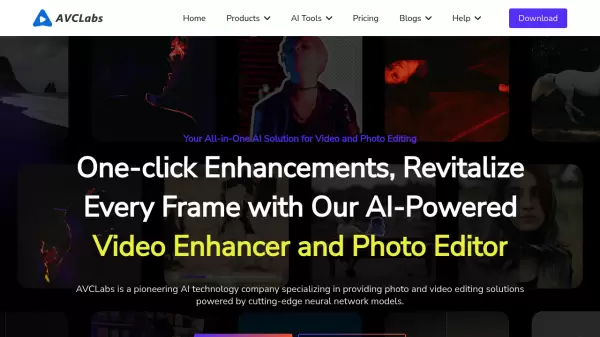
AVCLabs delivers cutting-edge AI-powered solutions for video and photo editing, leveraging deep-learning neural networks to transform visual content. Their comprehensive suite of tools includes video enhancement, photo restoration, background removal, and intelligent blur capabilities.
Through advanced algorithms and neural network models, the platform enables users to upscale low-resolution content to high definition, restore old photos and videos, enhance image quality, and protect privacy through automated blurring features. The technology focuses on delivering professional-grade results while maintaining user-friendly interfaces accessible to both professionals and enthusiasts.
Features
- Video Enhancement: AI-powered upscaling from low resolution to 4K/8K
- Automatic Face/Object Detection: Smart recognition for privacy protection
- Photo Restoration: Advanced algorithms for old photo enhancement and colorization
- Noise Reduction: Intelligent noise removal while preserving details
- Background Removal: One-click background elimination for images
- Video Blur: Automated blurring of faces, objects, and license plates
Use Cases
- Restoring old family photos and home videos
- Enhancing product photography for e-commerce
- Protecting privacy in social media content
- Upscaling low-resolution footage to HD
- Professional video post-production
- Historical photo colorization and restoration
- Corporate video privacy protection
FAQs
-
What types of files can be enhanced with AVCLabs?
AVCLabs supports various file formats including jpg, png, bmp for images, and common video formats for enhancement and upscaling. -
What is the maximum upscaling resolution available?
AVCLabs can upscale videos up to 8K resolution and images up to 400% of their original size. -
Does AVCLabs work on both Windows and Mac?
Yes, AVCLabs software is compatible with both Windows and Mac operating systems.