AutoUnsubscribe
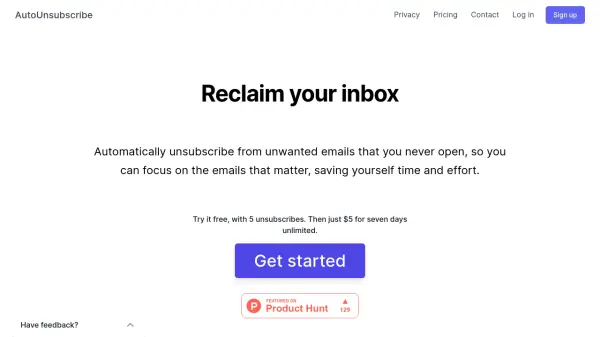
Reclaim Your Inbox

What is AutoUnsubscribe?

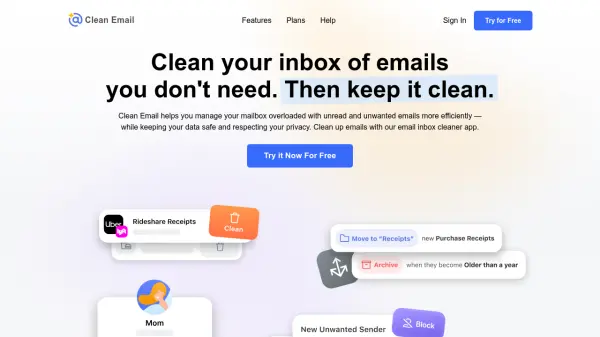
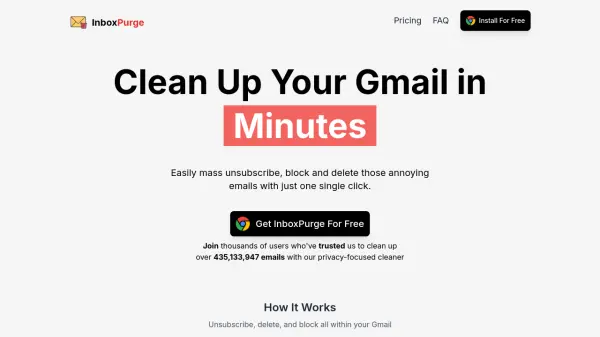
AutoUnsubscribe is a service designed to help users manage their email subscriptions efficiently. It automatically identifies and unsubscribes from unwanted emails that remain unread, ensuring a clutter-free inbox. The service prioritizes user privacy and does not store or sell personal email data.

AutoUnsubscribe connects to any email provider supporting IMAP, which includes most popular services like Gmail, Yahoo, and Outlook. It operates similarly to a local email client, offering a seamless integration without compromising user control or privacy.

Features

  • Automatic Unsubscribing: Automatically unsubscribes you from emails you never open.
  • Keep Important Subscriptions: Allows you to retain specific subscriptions using a "keep list".
  • Real Unsubscribing: Uses actual unsubscribe links to prevent future emails.
  • One-Click Unsubscribing: Quickly unsubscribe from emails via the dashboard.
  • Warn Before Unsubscribing: Provides a warning before unsubscribing, allowing you to keep specific emails.
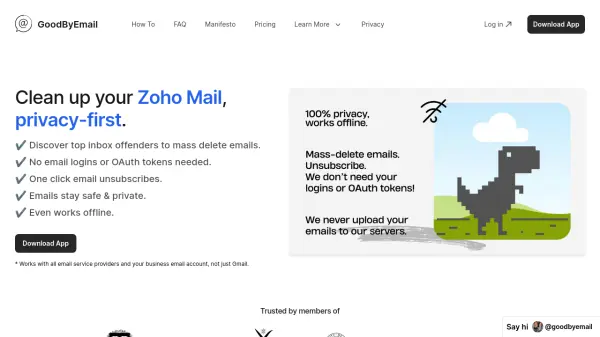
  • Privacy-Focused: Does not read your emails or store any information other than the email sender, and never sells your data.
  • Supports All Email Providers: Compatible with any email provider that supports IMAP.

Use Cases

  • Cleaning up an overloaded inbox.
  • Managing email subscriptions efficiently.
  • Preventing unwanted emails from cluttering your inbox.
  • Maintaining a focused inbox with only relevant emails.

Related Tools:

Blogs:

  • Top AI tools for Students

    Top AI tools for Students

    These AI tools are designed to enhance the learning experience for students. From personalized study plans to intelligent tutoring systems.

  • Best Content Automation AI tools

    Best Content Automation AI tools

    Streamline your content creation process, enhance productivity, and elevate the quality of your output effortlessly. Harness the power of cutting-edge automation technology for unparalleled results

  • Top 6 AI note-taking tools for 2026: in-person, online, and hybrid use cases

    Top 6 AI note-taking tools for 2026: in-person, online, and hybrid use cases

    Most AI note-taking lists are really lists of meeting bots, which join your video call and transcribe it. That's useful, but it's half the picture. Decisions happen in hallway conversations, client dinners, on-site visits, and hybrid rooms where nobody is on a video link. This guide covers different parts of the note-taking workflow: hardware capture for in-person settings, platform-native tools for online calls, and AI layers for organizing and synthesizing what you've captured. It compares six tools by capture context, workflow fit, pricing, and limitations.

  • Chat with PDF AI Tools

    Chat with PDF AI Tools

    Easily interact with your PDF documents using our advanced AI-powered tool. Whether you're reading lengthy reports, research papers, contracts, or eBooks, our platform lets you chat directly with your PDF files, ask questions, extract insights, and get summaries in real-time.

Didn't find tool you were looking for?

Be as detailed as possible for better results