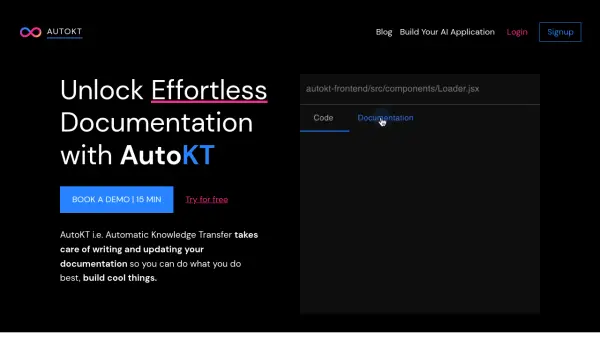
What is AutoKT?
AutoKT, standing for Automatic Knowledge Transfer, is designed to handle the writing and updating of your documentation. This allows developers to focus on building, rather than getting bogged down in maintaining documentation.
In fast-paced, agile work environments, time is a precious resource. AutoKT helps teams by automatically keeping documentation in sync with code changes. It also provides a query feature that allows developers to quickly find answers within the documentation, significantly enhancing the knowledge transfer process.
Features
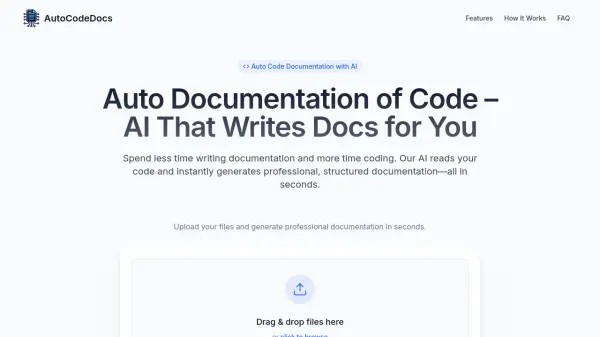
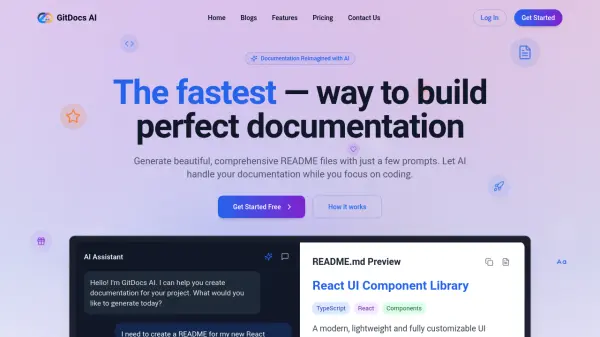
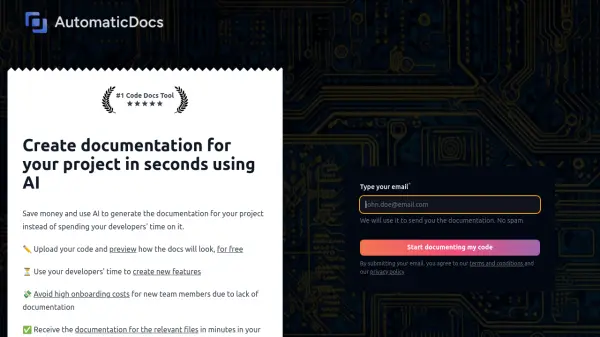
- AI Writer: Automates the documentation writing process.
- Code2Doc Writer: Generates documentation from code.
- Query Engine: Allows users to query documentation across multiple repositories and projects.
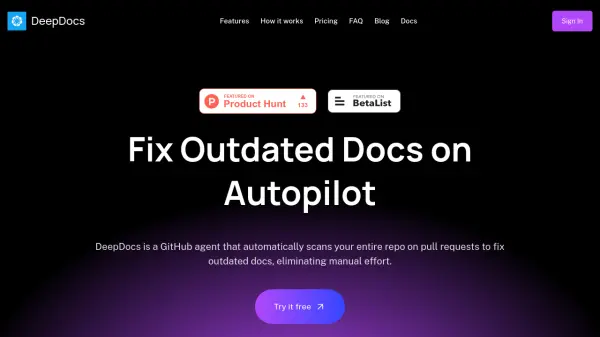
- Github Integration: Seamlessly integrates with Github for automatic updates (with read-only access).
Use Cases
- Onboarding new team members faster.
- Maintaining up-to-date documentation for existing projects.
- Understanding and navigating legacy code.
- Streamlining knowledge transfer during employee offboarding.
- Facilitating context switching between multiple projects.
FAQs
-
Is my codebase secure?
Yes, we do not save any code and our Github integration only has read access. -
What integrations do you support?
Currently we support Github, but we are constantly working towards adding other integrations. Currently Gitlab and Bitbucket are in the development pipeline. -
What if I don’t use Github?
You can still use the majority of our features, like AutoKT AI Documentation writer and the AutoKT Query Engine that lets you Query your entire documentation knowledgebase.