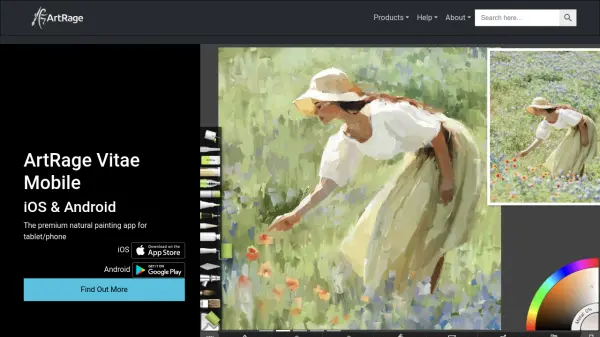


What is ArtRage?
ArtRage delivers a feature-rich digital painting studio tailored for artists seeking authentic painting experiences on Windows, macOS, iOS, and Android devices. Its powerful suite equips users with intuitive, realistic tools including thick oil brushes, responsive watercolors, detailed pencils, and textured canvases that closely mimic traditional media. Whether creating delicate washes or expressive oil blends, users can expect natural results with minimal digital learning curve.
Crafted for both beginners and professionals, ArtRage blends creativity with usability to suit any artistic workflow. The software invites artists to explore, sketch, illustrate, and paint organically, harnessing dynamic textures, color blending capabilities, and traditional painting techniques without compromise.
Features
- Natural Media Simulation: Tools emulate real oil, watercolor, pencil, and crayon behaviors.
- Intuitive User Interface: Designed for easy use by artists from traditional and digital backgrounds.
- Dynamic Canvas Textures: Canvas reacts to media for realistic painting effects.
- Expressive Color Blending: Fluid paint mixing and blending replicate natural color gradients.
- Multiplatform Support: Available on Windows, macOS, iOS, and Android.
- Customizable Workspaces: Adjustable settings to suit individual creative workflows.
- Suitable for All Skill Levels: Accessible to both beginners and professional artists.
Use Cases
- Creating digital oil or watercolor paintings for professional portfolios
- Sketching illustrations for books, comics, or concept art
- Developing educational art projects in classrooms
- Designing digital artwork for marketing and branding materials
- Offering hobbyist artists a platform to practice traditional techniques digitally