What is AppFlows?
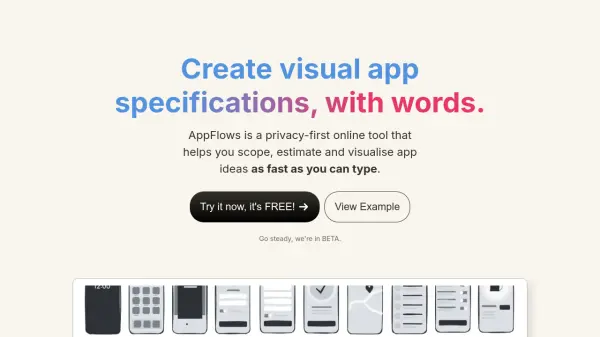
AppFlows transforms the app specification process by combining the functionality of design, document, and spreadsheet tools into a streamlined text-based platform. The tool automatically generates visual elements from written descriptions, making it easier to communicate app concepts to investors and team members while maintaining a focus on strategic planning.
Distinguished by its privacy-first approach, AppFlows stores all data locally in the user's browser and offers comprehensive features including user journey design, growth planning with industry data integration, and strategic canvas development. The platform incorporates best practices for app development and provides AI-powered assistance to enhance specification quality.
Features
- Privacy-First Storage: All data stored locally in browser
- Text-to-Visual Conversion: Automatically generates screenshots from written descriptions
- Growth Planner: Projects user base growth and required marketing budget
- Mobile Strategy Canvas: Strategic decision-making tool based on Roger Martin's framework
- AI Coach: Assists in improving specifications and mobile strategy
- Export Functionality: Generate PDF and table formats
- Best Practices Library: Access to app development guidelines
- Online Sharing: Share read-only app concepts
Use Cases
- Creating app specifications for investors
- Planning mobile app strategies
- Estimating feature roadmaps
- Developing mobile marketing plans
- Projecting user growth and revenue
- Communicating app concepts to stakeholders
- Documenting app features and requirements
FAQs
-
Are the AI features opt-in?
Yes, all AI features are optional and opt-in. -
Is my data completely private?
Yes, all data is stored locally in your browser and never sent to servers unless you choose to share it. -
Is it completely FREE forever?
Yes, AppFlows is committed to remaining free forever for tech leaders, founders, and product managers. -
Why choose this over Figma?
While Figma is great for detailed design work, AppFlows focuses on quick, high-level app concept creation without getting into detailed design decisions.