What is ApiFrom?
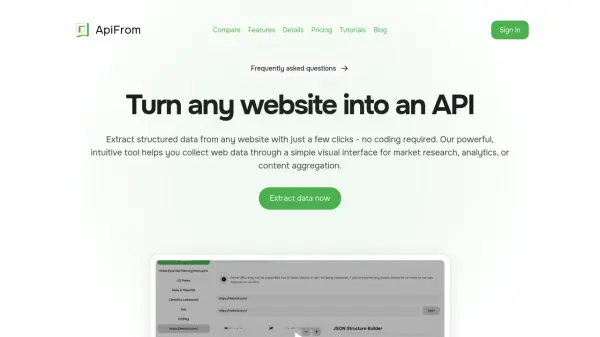
ApiFrom provides a visual data extraction platform that transforms website content into structured APIs without requiring coding expertise. Users can select webpage elements through an intuitive point-and-click interface, with intelligent pattern recognition automatically identifying similar items like product listings or search results.
The tool offers customizable JSON structure building with support for nested objects and arrays, along with live previews of extracted data. It generates ready-to-use API calls and exports data in JSON or CSV formats, featuring advanced controls for pagination handling, extraction limits, and error management.
Features
- Visual Selection Interface: Point-and-click element selection with automatic detection and highlighting
- Intelligent Pattern Recognition: Automatic identification of similar elements across pages for bulk extraction
- Customizable Data Structure: Visual JSON builder with nested object support and custom field naming
- Export & Integration: JSON and CSV export formats with API integration support and cURL command generation
- Advanced Controls: Zoom controls, pagination handling, extraction limits, and error handling options
Use Cases
- Market research data collection
- Competitor analysis and monitoring
- Content aggregation for websites
- E-commerce product data extraction
- News and blog article scraping
- Real-time data analytics
- Automated data integration into business systems
FAQs
-
What websites can I extract data from?
ApiFrom can extract data from any publicly accessible website. -
How fast can I start extracting data?
Users can start extracting data immediately after signing up with the free tier. -
How is my data handled?
The tool extracts data from websites but does not specify data storage policies in the provided content. -
What do I need to start using ApiFrom?
No specific requirements are mentioned beyond internet access and a web browser.