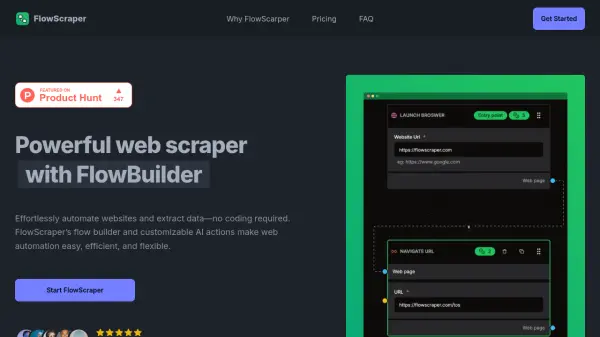
What is FlowScraper?
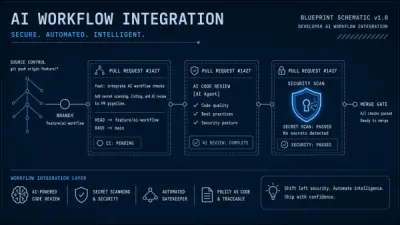
FlowScraper revolutionizes web data extraction through its innovative visual flow builder and AI-powered automation capabilities. The platform eliminates common web scraping challenges like complex setups, coding requirements, and anti-bot restrictions.
With built-in protections, customizable AI actions, and an intuitive interface, users can efficiently create and manage data collection workflows while saving significant time and resources. The platform offers scalable solutions suitable for both small projects and large-scale data extraction needs.
Features
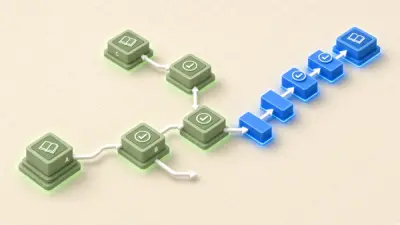
- Visual Flow Builder: Drag-and-drop interface for creating scraping workflows
- Anti-Bot Protection: Built-in security measures to prevent blocking
- Token-based System: Flexible usage-based pricing structure
- Cron Scheduling: Automated recurring scraping tasks
- AI Actions: Customizable artificial intelligence operations
- No-Code Platform: User-friendly interface for non-developers
- Encrypted Credentials: Secure storage of access information
Use Cases
- Data collection for market research
- Automated website monitoring
- Price comparison data gathering
- Content aggregation
- Lead generation
- Competitive analysis
- Product information tracking
FAQs
-
What is FlowScraper, and how does it work?
FlowScraper is an intuitive web scraping tool that allows you to collect data from websites without needing to code. With our drag-and-drop flow builder, you can create custom scraping workflows and automate data collection quickly and easily. -
Do I need programming skills to use FlowScraper?
No, FlowScraper is designed to be user-friendly, even for non-developers. The visual flow builder allows you to set up and customize your scraping tasks without writing any code. -
Can I scrape data from any website?
FlowScraper supports a wide range of websites. However, some websites have restrictions on automated data collection. FlowScraper includes built-in anti-bot protections, but it's important to ensure your use aligns with each website's terms of service. -
Can I automate and schedule my scraping jobs to run regularly?
Yes, FlowScraper includes a Cron feature that allows you to schedule your scraping jobs to run automatically at specified intervals. This feature enables you to set up recurring tasks and ensures that your data stays up-to-date without requiring manual intervention.