What is AnyUkit?
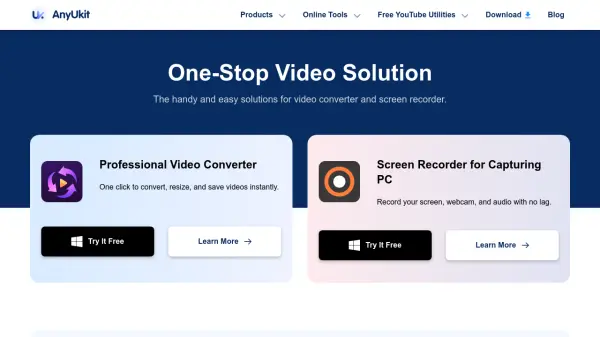
AnyUkit provides a comprehensive suite of video and audio tools, including a professional video converter and screen recorder. The video converter allows users to convert, resize, and save videos instantly without quality loss, supporting various formats. The screen recorder captures screen, webcam, and audio with no lag, offering features like scheduled recording and custom hotkeys.
Additionally, AnyUkit includes online tools for file conversion, compression, and media processing, along with free YouTube utilities such as subtitle downloaders and transcript generators. The platform emphasizes security with SSL encryption, reliability with responsive support, and stability through regular updates, making it a versatile solution for media management needs.
Features
- Video Converter: Converts, resizes, and saves videos instantly without quality loss
- Screen Recorder: Records screen, webcam, and audio with no lag and scheduled options
- Online Tools: Includes file converters, compressors, and media processors
- YouTube Utilities: Offers subtitle downloaders, transcript generators, and thumbnail tools
- Security: Uses SSL encryption for safe and clean operations
Use Cases
- Converting video formats for compatibility
- Recording tutorials or presentations with screen capture
- Downloading YouTube subtitles or transcripts
- Compressing video files to reduce size
- Extracting audio from videos or URLs