What is AI SDK?
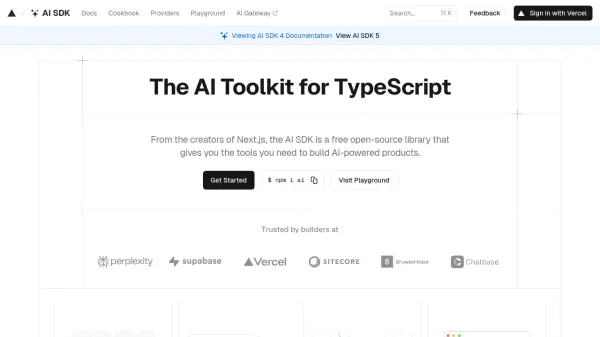
AI SDK is a free, open-source software development kit designed for TypeScript, allowing developers to seamlessly integrate AI functionalities into their products. Developed by the creators of Next.js, it offers a unified provider API that enables effortless switching between popular AI providers such as OpenAI, Claude, and Hugging Face by modifying a single line of code, enhancing the flexibility of app development.
This SDK is framework-agnostic, compatible with React, Next, Vue, Nuxt, SvelteKit, and more, empowering builders to create dynamic, generative AI user interfaces. AI SDK streamlines the process of handling streaming AI responses, delivers instant feedback to users, and provides robust abstractions for tasks like stream parsing, error handling, and multi-turn tool execution, making it an essential toolkit for modern AI-powered app development.
Features
- Unified Provider API: Switch between different AI providers with a single code change.
- Framework Agnostic: Compatible with React, Next.js, Vue, Nuxt, SvelteKit, and more.
- Generative UI: Enables the creation of dynamic, AI-powered user interfaces.
- Streaming AI Responses: Delivers instant AI-generated outputs to users.
- Robust Abstractions: Handles stream parsing, tool streaming, multi-turn tool execution, and error management.
- Open Source: Completely free and open for public contribution.
Use Cases
- Rapid prototyping of AI-powered applications across different frameworks.
- Integrating multiple AI providers into a single app for enhanced flexibility.
- Building dynamic interfaces that utilize real-time generative AI responses.
- Streamlining the deployment of AI features in TypeScript projects.
- Creating advanced applications that require seamless switching between large language model providers.
FAQs
-
Is the AI SDK free to use?
Yes, the AI SDK is completely free and open source. -
How do I get started with the AI SDK?
Visit the getting started page to learn how to install and set up the AI SDK with your preferred framework. -
How can I contribute to the AI SDK project?
Contributions such as bug reports, feature requests, or pull requests are welcomed via the project's GitHub repository.