What is FULL STACK AI?
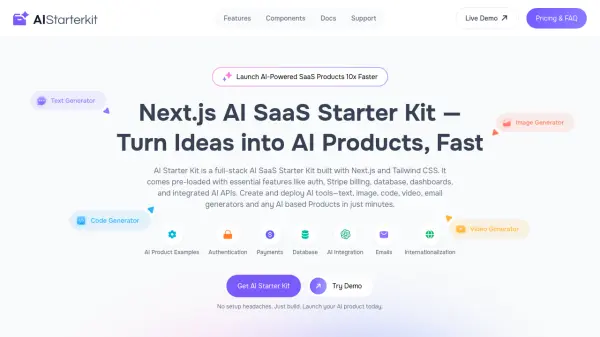
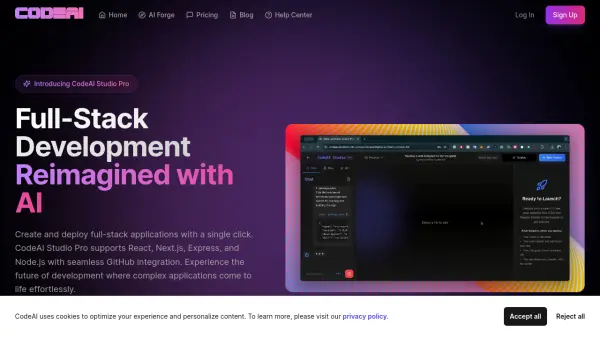
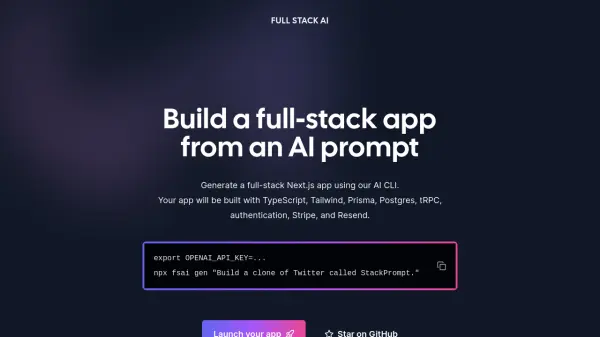
FULL STACK AI is a powerful tool that allows developers to generate complete, full-stack Next.js applications from simple text prompts. By leveraging an AI-powered command-line interface (CLI), users can quickly create applications built with a modern technology stack including TypeScript, Tailwind, Prisma, Postgres, tRPC, authentication, Stripe integration, and Resend.
This approach significantly accelerates the development process, enabling rapid prototyping and deployment of web applications. Focus on defining the core concept, and FULL STACK AI handles the foundational setup and integration of essential components.
Features
- AI-Powered Code Generation: Generates a full-stack Next.js app from a single AI prompt.
- Modern Tech Stack: Utilizes TypeScript, Tailwind, Prisma, Postgres, and tRPC.
- Authentication Integration: Includes pre-built authentication features.
- Stripe Integration: Incorporates Stripe for payment processing.
- Resend Integration: Uses Resend for email functionality.
- CLI Tool: Provides a command-line interface (npx fsai gen) for easy app generation.
Use Cases
- Rapid prototyping of web applications.
- Creating Minimum Viable Products (MVPs) quickly.
- Developing full-stack applications with a pre-defined tech stack.
- Bootstrapping new projects with authentication and payment integrations.
- Learning full-stack development with a modern tech stack.