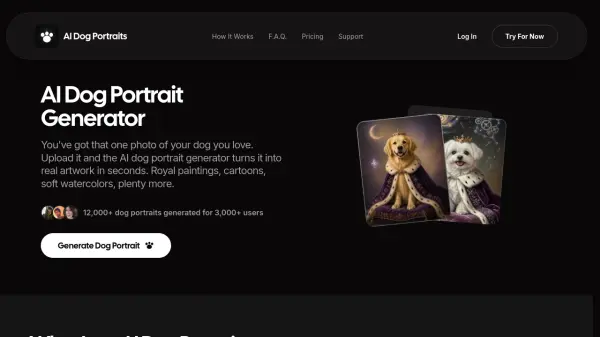
What is AI Dog Portraits?
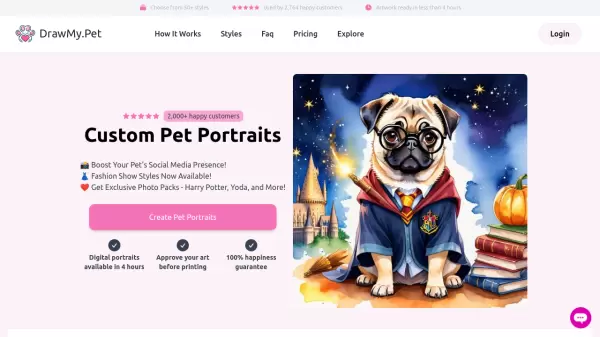
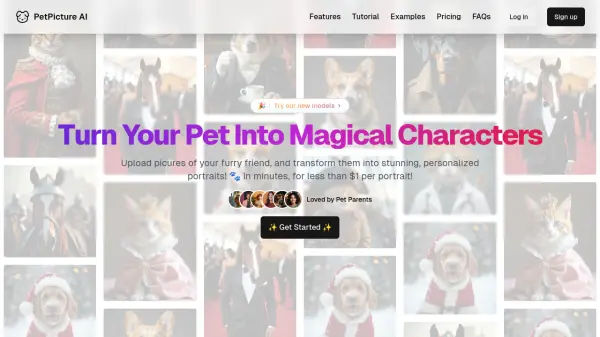
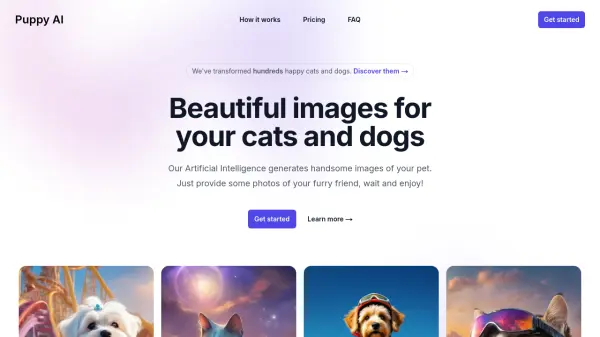
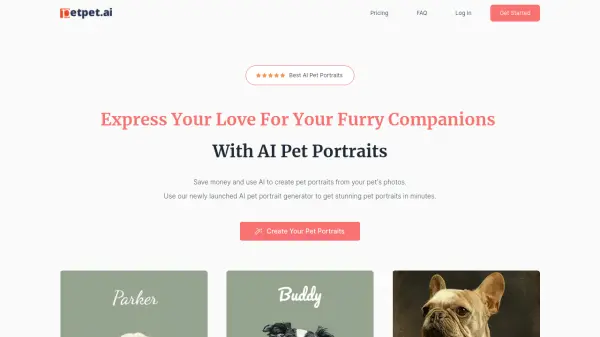
AI Dog Portraits is an artificial intelligence-powered tool that converts ordinary dog photographs into stunning artistic portraits across multiple styles. Users simply upload a clear photo of their dog, select from various artistic styles such as royal paintings, cartoons, watercolors, oil paintings, or vintage portraits, and receive a finished artwork within seconds. The generator analyzes the dog's facial features, coat color, ear positioning, and overall appearance to create authentic-looking portraits that maintain the dog's recognizable characteristics while transforming them into chosen art styles.
The platform operates entirely within a web browser without requiring any downloads or installations, making it accessible across phones, tablets, and laptops. The tool handles full-body compositions rather than just facial crops, allowing for complete portraits that include ears, paws, and tails. All uploaded photos are processed securely and immediately deleted after generation, ensuring user privacy. The service offers unlimited style experimentation with the same photo, enabling users to create multiple versions for gifts, profile pictures, home decor, or memorial keepsakes.
Features
- Multiple Art Styles: Choose from royal paintings, cartoons, watercolors, oil paintings, realistic, funny, and vintage portrait styles
- Full-Body Composition: Captures entire dog including ears, paws, and tail rather than just facial crops
- Instant Generation: Creates finished portraits in seconds without waiting periods
- Browser-Based Operation: Works directly in web browser without requiring app downloads or installations
- Privacy Protection: Uploaded photos are processed once and immediately deleted with no storage or sharing
- All Breed Support: Compatible with every dog breed, mixed breeds, and puppies
- HD Download Quality: Provides high-definition downloads suitable for printing and professional use
- Unlimited Revisions: Generate as many portraits as desired with different styles from the same photo
- Customizable Composition: Options for portrait, scene, or royal compositions with adjustable moods
- Cross-Device Compatibility: Functions on phones, tablets, and laptops seamlessly
Use Cases
- Creating personalized gifts for dog owners and pet lovers
- Generating unique profile pictures for social media accounts
- Designing custom birthday and greeting cards featuring pets
- Producing memorial portraits for deceased pets
- Creating branded content for pet influencers and social media
- Developing marketing materials for pet businesses and breeders
- Making home decor art for framing and wall displays
- Designing custom merchandise like mugs, tote bags, and stickers
- Building website imagery for pet-related businesses
- Generating fresh content for pet photography portfolios
How It Works
Upload Your Dog Photo
Start with a clear, front-on dog photo with decent lighting and no blur. Upload your dog picture from your phone or laptop without any editing required on your end.
Choose a Portrait Style
Browse through available dog portrait styles and select your preference. Options include classic oil, soft watercolor, cartoon, Renaissance, fantasy, and more styles.
Generate, Download & Share
Click the generate button and the AI processes your photo within seconds. Once complete, save your portrait in HD quality and use it to send, post, or print as desired.
FAQs
-
Can I upload any dog breed?
Yes, the AI Dog Portrait Generator works with every dog breed, mixed breeds, and puppies without restrictions. -
How long does it take to generate a portrait?
The portrait generation takes only a few seconds from upload to completion. -
Can I make more than one portrait?
Yes, you can generate as many portraits as you like in as many different styles as you want. -
What type of photo should I upload?
Upload a clear, well-lit JPG or PNG photo of your dog. Sharper photos produce better portrait results. -
Can I use my portrait commercially?
Commercial usage depends on your subscription plan, so it's recommended to review the license terms before commercial use.