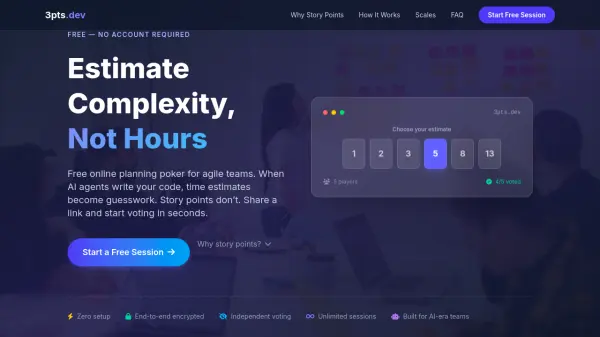
What is 3pts.dev?
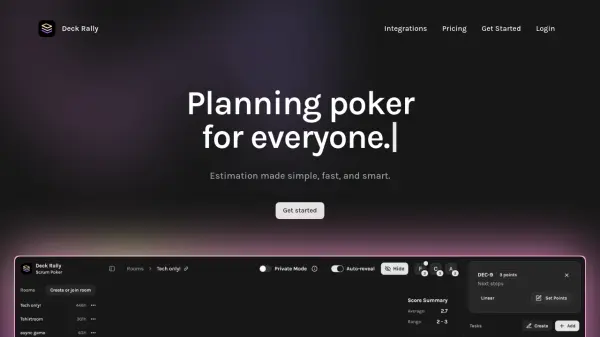
3pts.dev is a free online planning poker tool designed specifically for agile teams operating in the AI era. It enables teams to estimate story points to measure relative complexity rather than time-based estimates, which have become unreliable with AI coding agents like GitHub Copilot, Cursor, and Claude Code. The tool requires no accounts, onboarding, or installations—teams simply share a link to start voting in seconds.
The platform features independent voting with end-to-end encryption, keeping all votes hidden until the moderator reveals them to prevent anchoring bias and groupthink. It supports three estimation scales (Fibonacci, Scrum, and T-Shirt sizing) that teams can switch between at any time. With unlimited free sessions and zero setup friction, 3pts.dev helps teams build shared understanding, plan sprints effectively, and allocate resources confidently regardless of AI's impact on coding speed.
Features
- Zero Setup: No accounts, onboarding, or installations required—just share a link to start
- Independent Voting: All votes remain hidden until revealed to prevent anchoring bias and groupthink
- Multiple Estimation Scales: Supports Fibonacci, Scrum, and T-Shirt sizing with instant switching
- End-to-End Encryption: Ensures secure voting sessions with privacy protection
- Unlimited Free Sessions: No restrictions on usage, sessions, or team size
Use Cases
- Agile sprint planning and backlog estimation
- Team alignment on project complexity during standups
- Resource allocation and capacity planning for development teams
- Stakeholder expectation setting in AI-assisted development environments
- Remote team collaboration on technical debt assessment
FAQs
-
What is the difference between story points and hours in estimation?
Story points measure relative complexity rather than duration, which is crucial with AI coding agents that make time-based estimates unreliable due to unpredictable implementation speeds. -
How does 3pts.dev prevent bias during estimation sessions?
The tool keeps all votes hidden until the moderator reveals them simultaneously, preventing anchoring bias where early votes influence others and ensuring genuine independent assessments. -
Can teams switch between different estimation scales during a session?
Yes, the moderator can switch between Fibonacci, Scrum, and T-Shirt sizing scales at any time from the settings panel, with votes carrying over between scale changes. -
Is there any limit to how many sessions or team members can use 3pts.dev?
No, the tool offers unlimited free sessions with no restrictions on team size, usage frequency, or feature access.