What is 3Dream?
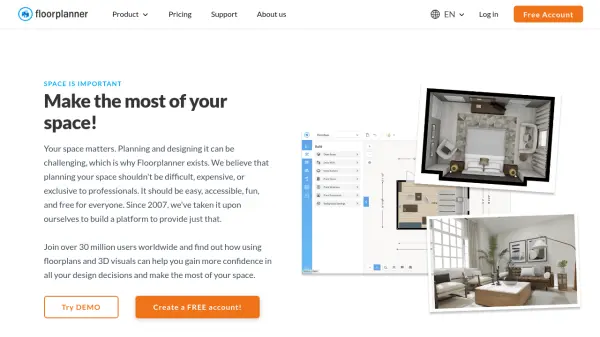
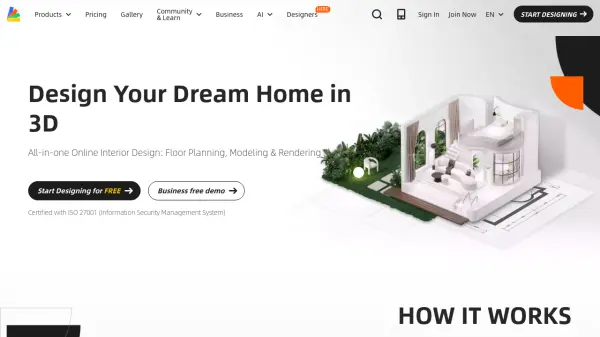
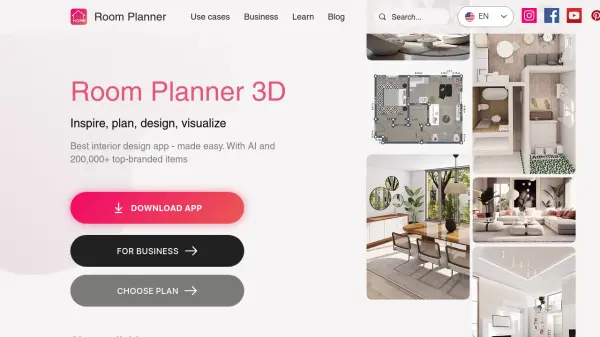
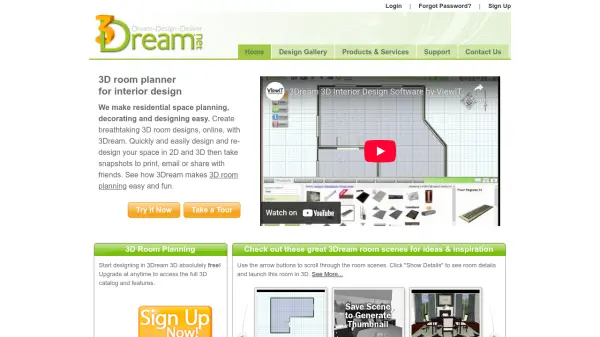
3Dream is an online 3D space planning software designed to simplify residential interior design. It allows users to create and visualize room layouts in both 2D and 3D formats, with real-time rendering capabilities similar to video games. The platform includes a vast library of over 40,000 3D models, textures, and materials, enabling detailed customization of living spaces.
Users can easily design, redesign, and share their projects through snapshots that can be printed, emailed, or shared. The tool supports floor plan creation and offers various account types, including free basic access and professional upgrades for advanced features. It is tailored for interior designers, decorators, furniture retailers, builders, and homeowners seeking efficient design solutions.
Features
- 3D Room Planning: Create and visualize room designs in 3D with real-time rendering
- 2D to 3D Switching: Draw rooms in 2D and switch to 3D for detailed design
- Drag-and-Drop Functionality: Easily place thousands of 3D products into designs
- Extensive Model Library: Access over 40,000 3D models, textures, and materials
- Snapshot Sharing: Take snapshots of designs to print, email, or share with others
- Floor Plan Creation: Tools for creating and editing floor plans
- Project Management: Manage projects and clients through a dashboard
Use Cases
- Residential interior design and space planning
- Visualizing home or office renovation projects
- Creating professional client presentations for interior designers
- Planning furniture layouts for retailers or homeowners
- Designing realistic living spaces for builders or decorators
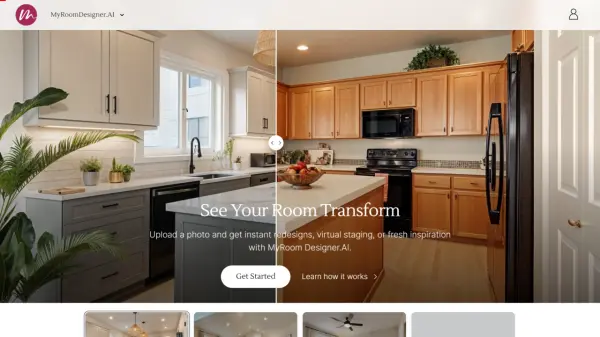
- Experimenting with different finishes and decorative accessories