What is 1Feed?
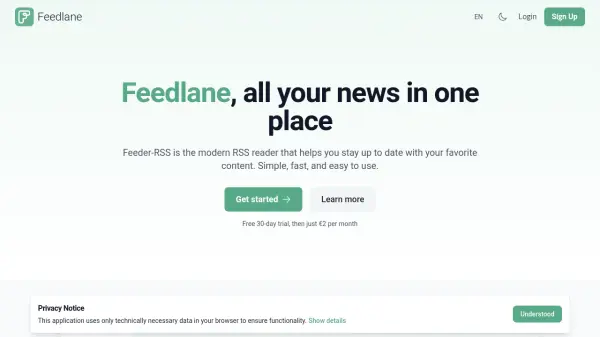
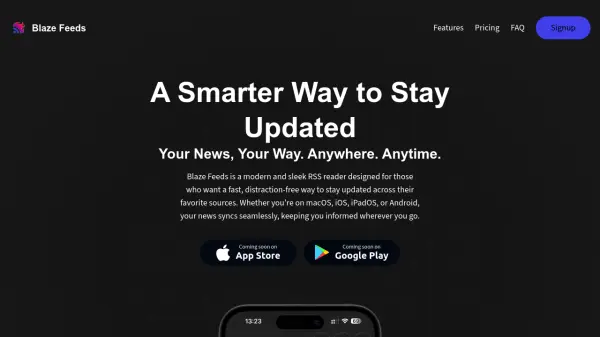
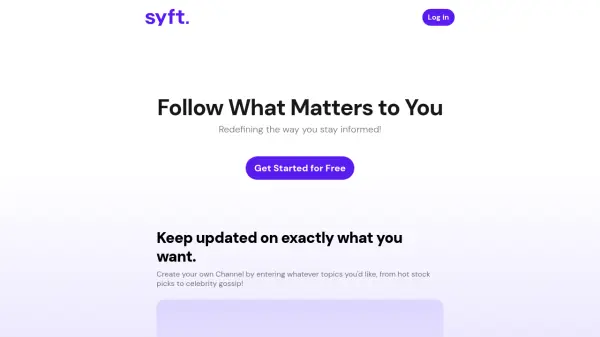
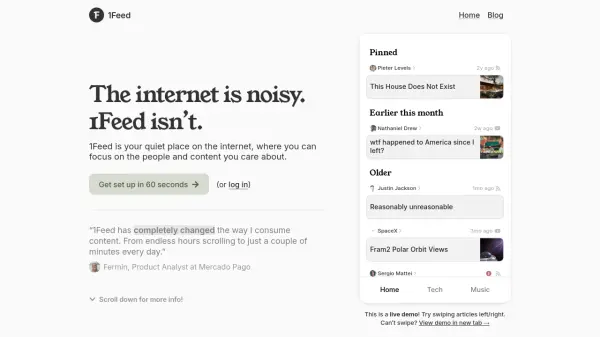
1Feed offers a streamlined web experience designed to minimize digital noise by allowing users to create a personalized feed of updates from only the sites and profiles they care about. With a focus on simplicity and calm, it eliminates algorithm-driven content, ensuring users see updates in strict chronological order from sources they have explicitly added, such as Twitter accounts, YouTube channels, and any blog or news site supporting RSS or Atom feeds.
This web-based solution is crafted to support efficiency and well-being by helping users reduce time spent on compulsive browsing. Instead, it provides a quick, decluttered alternative to traditional social media feeds, enhancing readability and minimizing information overload. 1Feed is not available through traditional app stores but works seamlessly as a web app on any device.
Features
- Custom Feed Creation: Add updates from Twitter, YouTube, and any site with RSS/Atom feeds.
- Chronological Display: Shows content strictly in the order it was published with no algorithms.
- Mobile-Optimized Web App: Designed for smooth performance and swipe gesture controls on any device.
- Premium Plan: Includes dark mode, unlimited folders, and expanded historical post access.
- Focused Interface: Minimalist, distraction-free design promotes healthier digital habits.
Use Cases
- Reduce time spent browsing distracting content.
- Aggregate favorite Twitter, YouTube, and blog updates in one place.
- Establish healthier digital content consumption routines.
- Access a simple, ad-free alternative to traditional news and media feeds.
- Stay updated on specific sites or personalities without social media algorithms.