YesKeeper favicon

YesKeeper
Effortless Cloud Collection of Links and Snapshots

What is YesKeeper?

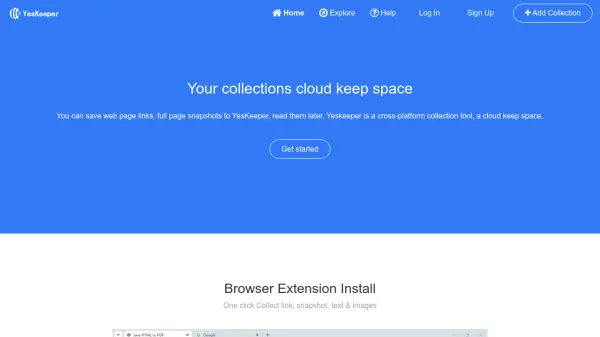
YesKeeper enables users to conveniently store web page links, full page snapshots, and online content in a secure cloud environment. With cross-platform support and browser extensions for Chrome, Edge, Firefox, and Safari, users can capture links, snapshots, text, and images with a single click. The platform provides a cloud keep space, making it easy to access saved collections and read them at a later time.

The service streamlines information organization by offering a user-friendly interface for managing online resources. Users benefit from seamless integration with popular browsers, efficient collection tools, and the ability to access and organize their digital content wherever they go.

Features

  • Cross-Platform Collection: Save content from any device or browser.
  • Browser Extension Support: Quick access extensions for Chrome, Edge, Firefox, and Safari.
  • One Click Save: Instantly collect links, snapshots, text, and images.
  • Read Later Functionality: Organize and revisit saved content at any time.
  • Cloud Keep Space: Centralized, secure online storage for all collections.

Use Cases

  • Saving interesting articles for later reading.
  • Collecting research materials for academic or professional purposes.
  • Organizing online references and resources.
  • Archiving full page snapshots for documentation.
  • Bookmarking and categorizing useful websites.

Related Tools:

Blogs:

  • AI thumbnail maker tools

    AI thumbnail maker tools

    Automatically generate visually appealing and optimized thumbnails for various digital content, streamlining the design process and enhancing visual engagement

  • Top 6 AI note-taking tools for 2026: in-person, online, and hybrid use cases

    Top 6 AI note-taking tools for 2026: in-person, online, and hybrid use cases

    Most AI note-taking lists are really lists of meeting bots, which join your video call and transcribe it. That's useful, but it's half the picture. Decisions happen in hallway conversations, client dinners, on-site visits, and hybrid rooms where nobody is on a video link. This guide covers different parts of the note-taking workflow: hardware capture for in-person settings, platform-native tools for online calls, and AI layers for organizing and synthesizing what you've captured. It compares six tools by capture context, workflow fit, pricing, and limitations.

  • Chat with PDF AI Tools

    Chat with PDF AI Tools

    Easily interact with your PDF documents using our advanced AI-powered tool. Whether you're reading lengthy reports, research papers, contracts, or eBooks, our platform lets you chat directly with your PDF files, ask questions, extract insights, and get summaries in real-time.

Didn't find tool you were looking for?

Be as detailed as possible for better results