What is Savory?
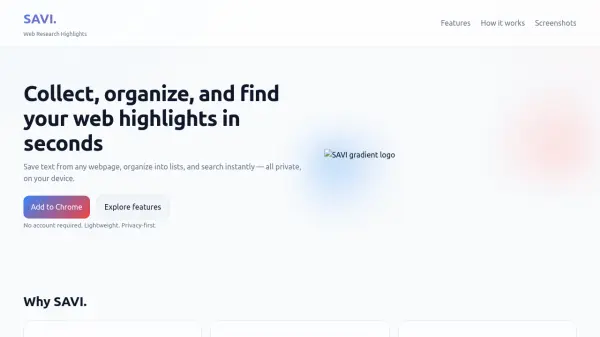
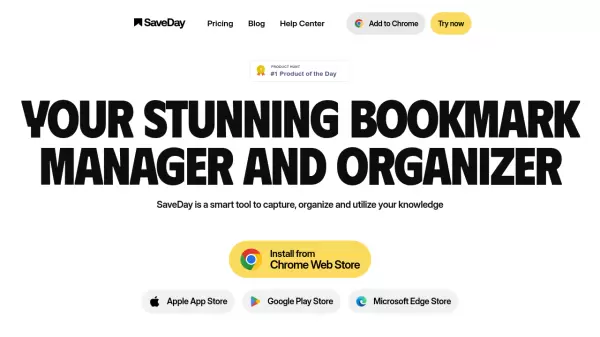
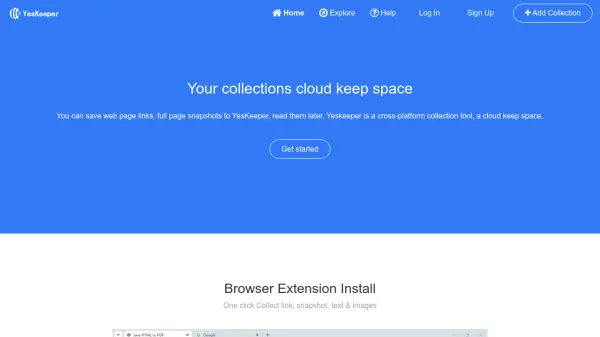
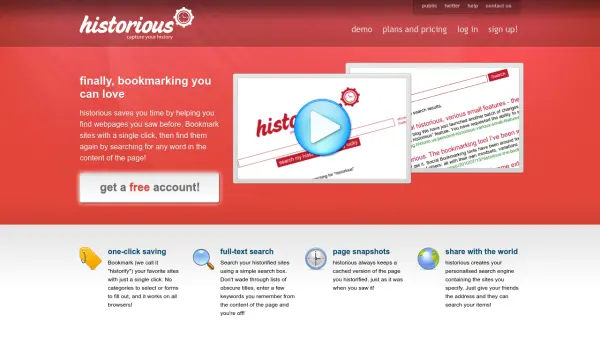
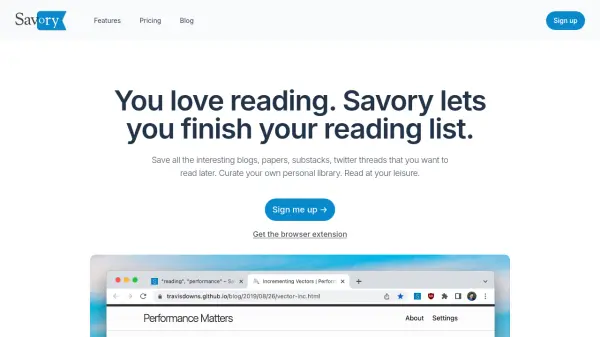
Savory is an advanced platform designed for readers who want to efficiently manage their reading lists, including blogs, papers, twitter threads, podcasts, and videos. It allows users to save content from across the web, organizing them in a personal library with customizable tags for seamless categorization and retrieval. Built for convenience, the tool stores your data securely in the cloud, ensuring you can access your collection from any device at any time.
With features for easy organization and smart recall, Savory enhances your reading experience by letting you close open tabs and revisit saved content whenever you choose. Advanced search and curation allow users to rediscover valuable links, articles, or media, ensuring important resources are never lost. The tool emphasizes simplicity, privacy, and user control, with upcoming enhancements like dark mode planned for future releases.
Features
- Personal Library: Save articles, blogs, papers, podcasts, and videos for later reading.
- Tagging System: Add unlimited custom tags to organize and categorize saved content.
- Cloud-Based Access: Access your saved items securely from any device.
- Advanced Search: Effortlessly find past articles, links, or media in your collection.
- Curation Tools: Curate your reading list and rediscover valuable content.
- Browser Extension: Quickly save content directly from your browser.
Use Cases
- Organizing academic papers and research for students.
- Curating articles and blogs for professional development.
- Archiving social media threads for later reading.
- Managing a personal knowledge base of podcasts and videos.
- Saving and categorizing newsletters for marketing analysis.
- Bookmarking resources for ongoing creative projects.
FAQs
-
Is my data stored locally or in the cloud?
Your data is stored securely in the cloud, allowing access from any device. -
Is my data safe on Savory?
Yes, all data is encrypted at rest and protected with top-tier security standards. -
How can I delete my account?
There is no automated method currently. Please email [email protected] to have your data deleted. -
Is dark mode available?
Dark mode is planned for release soon. -
How can I reach support if I have questions or problems?
You can contact the team via the feedback page for assistance.