What is wpCentral?
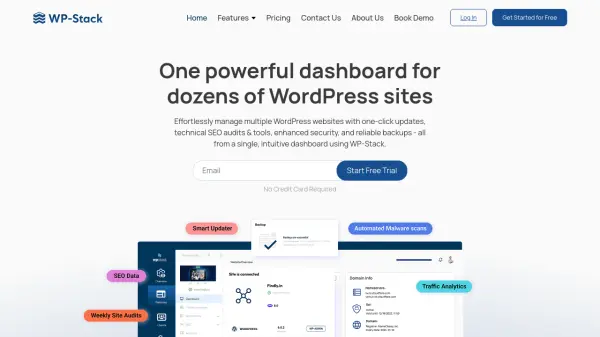
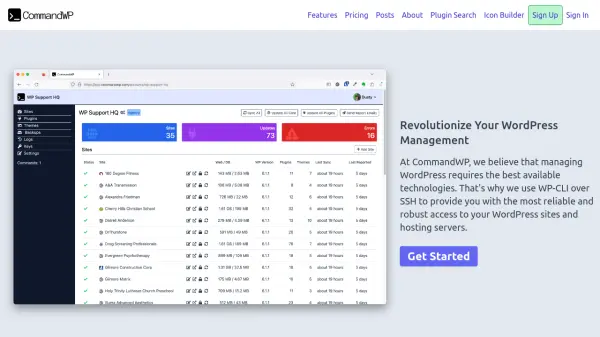
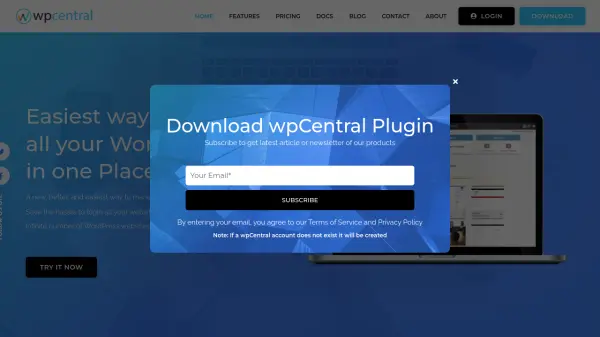
wpCentral provides a centralized dashboard to manage an unlimited number of WordPress websites from a single interface. Instead of logging into each site separately, users can access all their sites through one panel to perform bulk operations like updating plugins, themes, and cores with a single click. The platform also offers automated backups, security checks, detailed reports, and one-click admin access to individual sites.
With integrated Softaculous, users can install, delete, and stage WordPress sites directly from the wpCentral dashboard. It is designed to save time for website managers, agencies, and developers who need to oversee multiple WordPress installations efficiently.
Features
- One-Click Update: Update all plugins, themes, and WordPress core across multiple sites with a single click.
- Bulk Management: Bulk install, activate, deactivate, and delete plugins and themes across websites.
- Automated Backups: Set up automated local and remote backups with restore functionality.
- Security Checks: Regular security checks to protect your websites.
- Detailed Reports: Generate comprehensive reports for all websites from one place.
- Admin Access: Single-click login to any website's admin panel from the dashboard.
- Softaculous Integration: Install, delete, and stage WordPress sites using Softaculous auto-installer.
- Plugin & Theme Sets: Apply predefined sets of plugins and themes to multiple sites at once.
Use Cases
- Managing multiple WordPress blogs or websites from one dashboard
- Agencies handling client WordPress sites efficiently
- Developers maintaining numerous WordPress installations
- Automating website backups and security monitoring
- Bulk updating plugins and themes across a portfolio of sites
- Installing and staging WordPress sites quickly
FAQs
-
Is wpCentral free to use?
Yes, wpCentral offers a free plan that allows you to manage unlimited WordPress websites with essential features like plugin and theme management, local backups, and security checks. Paid plans unlock additional capabilities like remote backups and automated backups. -
How many websites can I manage with wpCentral?
The free plan supports unlimited websites. Paid plans also support unlimited websites but with a specified number of websites included in the base price (e.g., Personal plan covers 1 website, Starter covers 3, etc.). You can contact the sales team for plans covering more than 100 websites. -
Can I try wpCentral before purchasing?
Yes, all paid features are available for a 7-day free trial. You can test the platform with all features before choosing a subscription plan. -
Does wpCentral offer backups and restore?
Yes, wpCentral provides both local and remote backups with restore functionality. Automated backups are available on paid plans. -
How do I add my websites to wpCentral?
You can add websites by installing the wpCentral plugin on each WordPress site and connecting them to your wpCentral dashboard. For new sites, Softaculous integration allows one-click installation directly from the dashboard.