What is WizBoard?
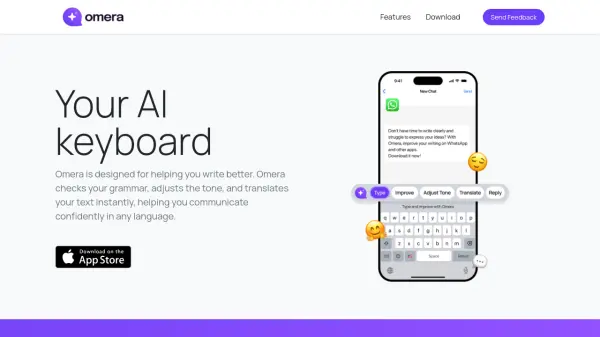
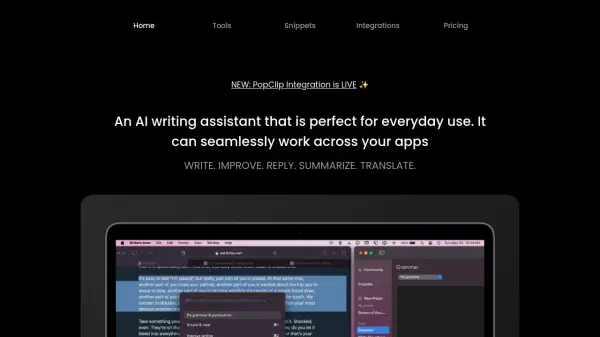
WizBoard is an AI keyboard and chat application designed to serve as a personal writing assistant. It seamlessly integrates into various applications and existing workflows, providing AI-powered assistance wherever there is an input box.
Wizboard enhances productivity and user creativity with prompt or Spells, which are AI powered text transformation tools. It offers features like a spell gallery, spell editing, and multi-format message rendering.
Features
- Seamless Integration: Easily integrate our keyboard into your favorite apps and existing writing workflows.
- Spell Centered Design: WizBoard is designed around the concept of prompt or Spells, which are AI-powered text transformation tools.
- Personal Writing Assistant: Experience the convenience of having a personal writing assistant anywhere with an input box.
- Ultimate Productivity Tool: Boost your productivity by utilizing an army of AI-powered tools.
- Awesome Spell Gallery: Access a vast library of awesome spells designed for unlimited number of scenarios such as translation, travel planning, and much more.
- Advanced Spell Editing: Custom spell creation and editing with powerful features like Parameterization, Example Messages.
- Multi-format Message Rendering: Supports Markdown/Code Highlight/Inline LaTex rendering.
- iCloud Sync: Sync your data across all your devices.
Use Cases
- Writing emails
- Analyzing documents
- Posting on social media
- Translation
- Travel planning