Wizard Writer
Automated Blog Post and Article Creation

What is Wizard Writer?

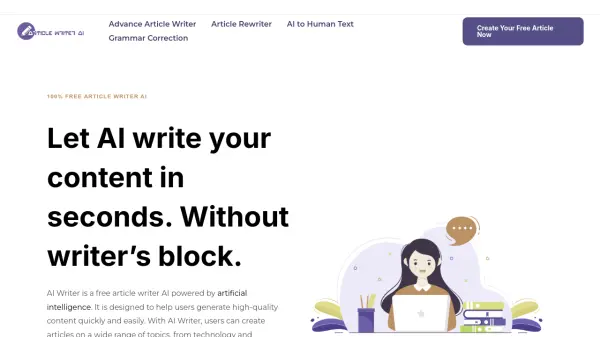
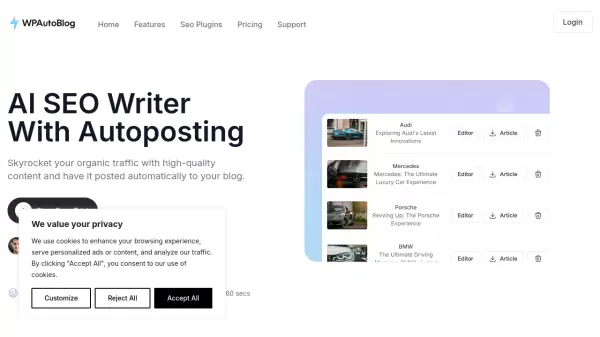
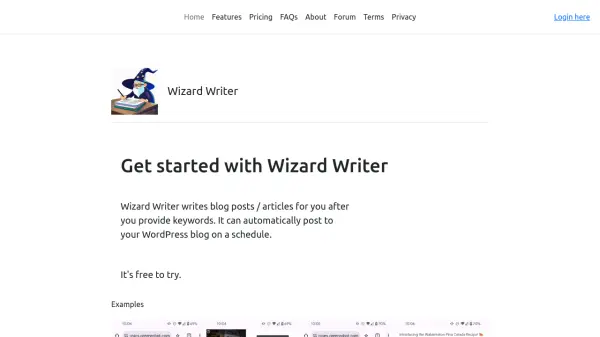
Wizard Writer is an AI tool designed to streamline content creation for bloggers and website owners. By simply providing keywords, users can generate complete articles.

The platform also offers seamless integration with WordPress, allowing for automatic publishing on a predetermined schedule, optimizing content workflows and ensuring consistent updates.

Features

  • Keyword-Based Article Generation: Creates articles based on user-inputted keywords.
  • Featured Image Inclusion: Includes a featured image with each article.
  • WordPress Integration: Automatically posts articles to WordPress sites.
  • Scheduled Publishing: Allows users to schedule posts for automated publishing.

Use Cases

  • Creating blog content
  • Automating content schedules
  • Generating articles for websites
  • Maintaining regular website updates

Related Tools:

Blogs:

  • Best Content Automation AI tools

    Best Content Automation AI tools

    Streamline your content creation process, enhance productivity, and elevate the quality of your output effortlessly. Harness the power of cutting-edge automation technology for unparalleled results

  • Best AI tools for Room Design

    Best AI tools for Room Design

    Discover cutting-edge AI tools that redefine the art of room design. From layout optimization to aesthetic finesse, these top-tier tools enhance your space to new heights.

  • Chat with PDF AI Tools

    Chat with PDF AI Tools

    Easily interact with your PDF documents using our advanced AI-powered tool. Whether you're reading lengthy reports, research papers, contracts, or eBooks, our platform lets you chat directly with your PDF files, ask questions, extract insights, and get summaries in real-time.

  • Top 6 AI note-taking tools for 2026: in-person, online, and hybrid use cases

    Top 6 AI note-taking tools for 2026: in-person, online, and hybrid use cases

    Most AI note-taking lists are really lists of meeting bots, which join your video call and transcribe it. That's useful, but it's half the picture. Decisions happen in hallway conversations, client dinners, on-site visits, and hybrid rooms where nobody is on a video link. This guide covers different parts of the note-taking workflow: hardware capture for in-person settings, platform-native tools for online calls, and AI layers for organizing and synthesizing what you've captured. It compares six tools by capture context, workflow fit, pricing, and limitations.

Didn't find tool you were looking for?

Be as detailed as possible for better results