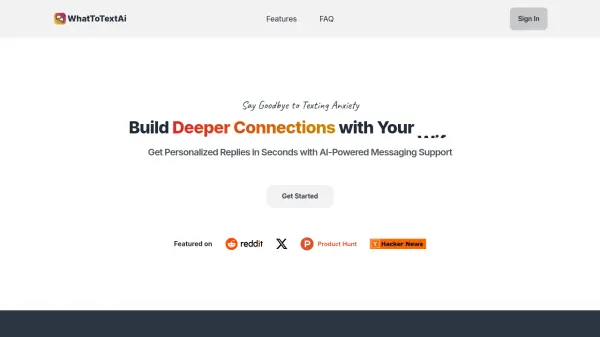
What is WhatToTextAI?
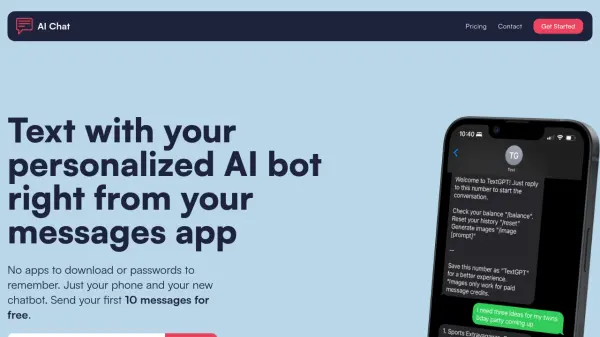
WhatToTextAI offers personalized texting replies using advanced AI. It helps users overcome texting challenges by providing instant responses tailored to various situations, such as starting conversations, confirming dates, or offering support. The platform is designed to ensure users always have the right words to say, fostering better communication and stronger relationships.
By utilizing the LLaMA 3 70B language model, WhatToTextAI delivers accurate and reliable message suggestions. This helps users avoid the common pitfalls of texting, such as struggling to convey the right tone or wasting time crafting the perfect message. Focus on building meaningful connections through improved text interactions.
Features
- Personalized Replies: Get AI-generated text suggestions tailored to your specific needs.
- AI-Powered Messaging Support: Utilizes the LLaMA 3 70B language model for accurate responses.
- Instant Messaging Ideas: Provides immediate suggestions to keep conversations flowing.
- 24/7 Texting Assistant: Access texting support anytime.
Use Cases
- Starting conversations with a crush.
- Confirming dates.
- Offering support to friends or family.
- Replying to messages after a first date.
- Maintaining engaging conversations.
- Overcoming writer's block when texting.
FAQs
-
What do I get exactly?
Instant messaging ideas & AI-generated messages to build stronger connections. -
Which AI model does WhatToTextAI use?
We utilize the latest LLaMA 3 70B language model for all users, ensuring accurate and reliable responses. -
How is one credit used?
One credit is used to generate 8 possible responses for your needs, based on the condition or situation you provided. Each response includes an explanation to help you understand the responses. -
Is there a word limit for each credit?
Yes, each credit has a 200-character limit. This means you can send messages up to 200 characters (about 20-25 words) per credit. This limit is in place to ensure a smooth and efficient conversation. -
Can I chat with the AI model?
No, WhatToTextAi is a one-way communication tool. It can provide information and answer questions, but it does not have the ability to engage in a two-way conversation or understand context.