What is Webfuse?
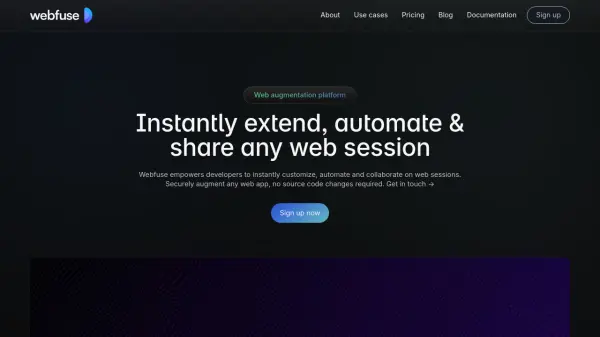
Webfuse serves as a comprehensive web augmentation platform designed for developers. It enables the instant customization, automation, and collaborative sharing of any web session without requiring alterations to the original application's source code. By creating a Virtual Web Session, users can modify, extend, or embed new features into existing web applications, streamlining development and enhancing user experiences.
The platform offers capabilities for rapid prototyping by injecting new functionality directly into web experiences. It allows modifications to virtually any element on the web, removing vendor lock-in and providing flexibility. Webfuse also facilitates the transformation of browser extensions into managed SaaS services delivered within a secure session. Security is enhanced through features like multi-factor authentication, session protection, real-time policy enforcement, session recording, and detailed audit logs, ensuring compliance with standards like SOC 2, GDPR, and ISO 27001. Furthermore, it supports seamless real-time collaboration, allowing multiple participants, including AI agents, to interact within a shared session, complete with dynamic role switching and an Automation API compatible with leading frameworks.
Features
- Virtual Web Sessions: Create isolated sessions to modify and extend web apps without code changes.
- Extend & Customize: Add functionality, modify interfaces, and deploy custom automation.
- Rapid Prototyping: Instantly inject features or modifications for quick development cycles.
- SaaSify Browser Extensions: Deliver browser extensions as managed SaaS services within sessions.
- Govern & Secure: Enforce security with MFA, session protection, policy enforcement, recording, and audit logs.
- Automate & Collaborate: Share sessions for real-time collaboration between humans and AI.
- Automation API: Integrate AI-driven automation compatible with Claude, OpenAI, and other frameworks.
- Dynamic Role & Control Switching: Switch control between users and AI agents seamlessly.
- Enterprise-ready Security: Meets SOC 2, GDPR, ISO 27001, and HIPAA compliance standards.
- JS API & REST API: Provides programmatic access for integration and control.
- Audit Logs & Recordings: Offers detailed JSON logs and optional video recordings of sessions.
- Custom Domain & Storage: Allows use of custom domains and external storage.
- Session Sharing & Remote Control: Enables multi-participant sessions with granular control.
Use Cases
- Enhancing legacy web applications without source code access.
- Rapidly prototyping new features on existing websites.
- Integrating AI-driven automation into web-based workflows.
- Enabling real-time collaborative browsing for teams or support.
- Providing secure, audited access to sensitive web applications.
- Delivering browser extensions securely as SaaS.
- Conducting interactive sales demos and customer support sessions.
- Automating web application testing and interactions.
- Enforcing security and compliance policies on web usage.