What is Web Fonts Loader?
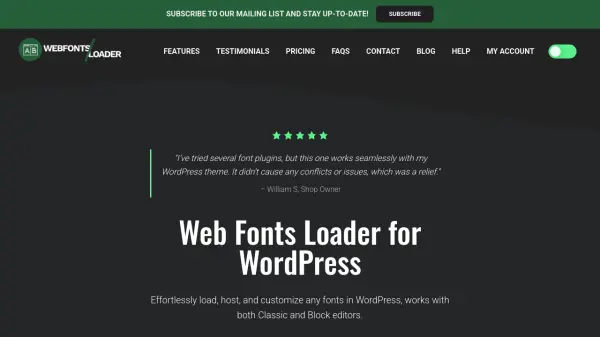
Web Fonts Loader is a WordPress plugin designed to simplify font management for website owners and developers. It supports multiple font sources including Google Fonts, Typekit, and custom fonts, ensuring compatibility with both Classic and Block editors. The plugin provides intuitive controls for applying fonts directly to Gutenberg blocks or through the Classic Editor toolbar, allowing real-time previews and customization of font family, weight, and style.
Users can set global font configurations for body text and headings, choose from over 30 professionally designed typography presets, and preview fonts before implementation. The tool includes performance metrics to monitor font loading speeds and offers optimization recommendations to enhance SEO rankings. Additional features include local font hosting for GDPR compliance, custom preset creation, and analytics for tracking font usage and performance across the site.
Features
- Block Editor Customization: Apply custom fonts to Gutenberg blocks with intuitive controls for font family, weight, and style
- Global Font Settings: Configure fonts for body text and headings (H1-H6) from a central location with instant updates
- Ready-to-Use Typography Presets: Access 30+ professionally designed font combinations categorized by style (Modern, Classic, Business, Creative)
- Live Font Preview: Preview Google Fonts with sample text before applying to ensure confident typography decisions
- Performance Metrics & Optimization Score: Monitor font loading speed and receive actionable recommendations to improve page load times and SEO
Use Cases
- Customizing website typography for improved brand consistency and aesthetics
- Optimizing font performance to enhance page load times and SEO rankings
- Managing fonts across multiple WordPress sites for clients or personal projects
- Complying with GDPR regulations by hosting fonts locally on the server
- Creating and sharing custom typography presets for quick reuse in web design projects
FAQs
-
Can I cancel my subscription?
Yes, you can cancel your subscription at any time from your account page. You will retain access to support and updates until your license key expires, one year from the purchase date. -
Can I try it before I make a purchase?
Yes, you can download the free version of the plugin from the WordPress.org repository to test it before purchasing. -
Can I use the plugin on more than one domain?
Yes, you can select a license package for multiple sites or upgrade your current license at any time, with credit for fees already paid. -
Do you collect any personal data?
The plugin only collects website URLs for license tracking, and no other personal information. Purchase data can be deleted by the user at any time.