
What is Wanderfile?
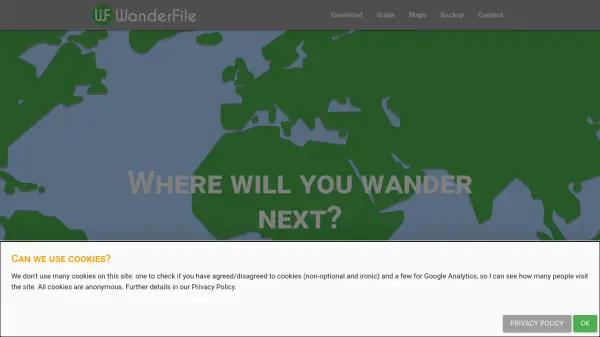
Wanderfile is a travel tracking app that allows you to record and visualize the places you have visited, layover destinations, and future travel plans. Using interactive maps, organized lists, or search, you can select countries, districts, and major cities. The app includes detailed information for each country, such as typical costs, essential travel information, and interesting facts. You can save and share a variety of maps, from world maps to continent, subregion, or country-specific maps, as well as district and city maps. A cloud backup feature ensures your data is safe and can be restored if you switch devices.
Features
- Interactive Maps: Select and view countries, districts, and cities on world, continent, subregion, or country maps.
- Comprehensive Country Info: Access basic facts, travel advice, and cost estimates for each country.
- Cloud Backup: Automatically sync and backup your travel data using your Google account.
- Shareable Maps: Save and share your personalized travel maps with friends and family.
- Statistics: Track the percentage of the world, continents, and subregions you have visited.
Use Cases
- Track countries and cities you have visited for personal record-keeping.
- Plan future trips by researching travel information and costs.
- Share your travel history with friends and family via saved maps.
- Monitor travel progress by tracking the percentage of the world visited.
- Keep a visual diary of layover destinations during flights.
FAQs
-
Is Wanderfile free to use?
Yes, Wanderfile is a free app. Donations are welcome to help cover costs. -
Can I backup my travel data?
Yes, you can log in with your Google account to enable cloud backup. Your selections are automatically synced. -
What maps are available?
You can save and share maps for the world, continents, subregions, countries, districts, and major cities. -
What information is provided for each country?
The app provides basic information (capital, population, languages, etc.), travel information (time zone, currency, plugs, etc.), and cost information for different budgets. -
How do I delete my data?
You can reset or delete all your data from the settings menu in the app. This action is irreversible.