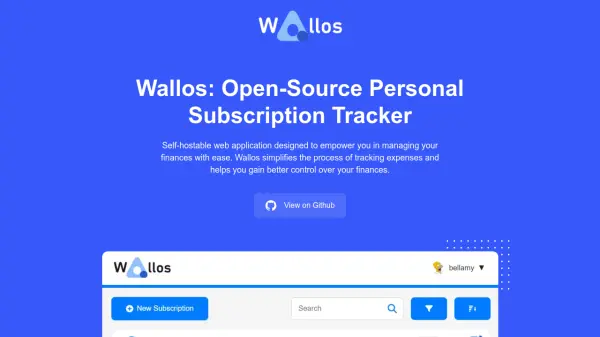
What is Wallos?
Wallos enables users to efficiently monitor and organize their recurring subscriptions and expenses in a secure, self-hosted environment. The application features advanced subscription management, customizable categories, multi-currency support, and currency conversion via Fixer API integration, allowing users to consolidate their financial data in their preferred currency.
With built-in statistics, graphs, and notification integrations for reminders across various agents like Email, Telegram, and Discord, Wallos enhances financial oversight and user convenience. The platform further supports multiple languages, responsive mobile access, and the ability to tailor display and categorization settings for a personalized experience.
Features
- Subscription Management: Track and manage recurring payments and subscriptions.
- Category Management: Organize expenses into customizable categories for insights.
- Multi-Currency Support: Manage finances in various currencies.
- Currency Conversion: Automatic exchange rates using Fixer API.
- Data Privacy: Financial data remains secure on your own server.
- Customization: Personalize categories, currencies, themes, and display options.
- Statistics and Graphs: Visualize spending habits for better financial understanding.
- Notifications: Get reminders for future payments through Email, Telegram, Discord, etc.
- Logo Search: Fetch logos from the web for your subscriptions.
- Mobile View: Fully responsive layout for access on any device.
- Sorting Options: Flexible views for subscriptions and expenses.
- Multi Language Support: Available in 21+ languages for broader accessibility.
Use Cases
- Managing personal and household subscription payments.
- Tracking recurring business expenses for entrepreneurs.
- Gaining insights into spending habits using analytics and graphs.
- Customizing financial records by categories and currencies.
- Receiving reminders for upcoming subscription or bill payments.
- Monitoring expenses in various currencies with automatic conversions.
- Ensuring data privacy by self-hosting financial records.
- Accessing expense management tools on mobile devices.
FAQs
-
I'm having issues installing Wallos. Can you help?
You can refer to the installation guide on the GitHub page. If problems persist, you are encouraged to open an issue on GitHub for assistance. -
I found a bug. How can I report it?
Bugs can be reported by opening an issue on the project's GitHub page. -
I have a suggestion for a new feature. How can I submit it?
You can submit feature suggestions by opening an issue on the GitHub page; feature requests will be considered by the developer. -
How can I contribute to Wallos?
You can contribute by reporting bugs, suggesting features, or submitting pull requests on GitHub.