

What is Voxio?
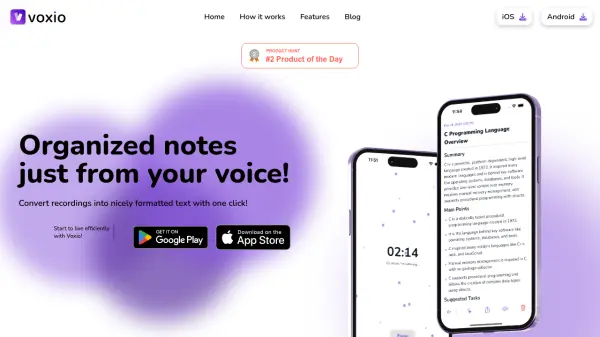
Voxio is a powerful tool designed to streamline the process of note-taking. It efficiently transforms voice recordings into beautifully formatted text, offering seamless integration with Notion. Users can effortlessly convert audio from various sources, such as lectures or personal thoughts, into structured Notion pages.
Voxio offers a range of pre-designed templates, including options for emails, lists, and interview notes, among others. The tool ensures that all recordings are securely saved, allowing users to convert them to text at their convenience. It also provides robust multi-language support, making it suitable for a global audience.
Features
- Templates for everything: Offers ready-to-use templates like Casual Email or Cleanup, and a Template Creator to customize note structures.
- Record: Capture voice within the app or in the background, with options to pause and resume.
- Save recordings: Store recordings for later conversion or keep them as audio.
- Multi-language Support: Processes and converts audio to notes in any language.
Use Cases
- Creating formatted notes from lectures.
- Generating email drafts from voice recordings.
- Transcribing interviews into organized text.
- Preparing meeting minutes from audio recordings.
- Converting personal thoughts and ideas into structured notes.