What is Visual Composer?
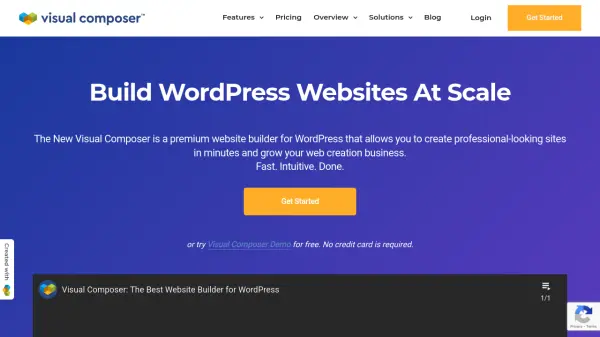
Visual Composer provides a comprehensive visual website building solution for WordPress users, offering an intuitive drag-and-drop interface that eliminates the need for coding expertise. The platform includes a cloud-based Visual Composer Hub with over 500 content elements, templates, add-ons, and blocks, allowing users to design and customize websites efficiently.
The tool supports responsive design, theme building, popup creation, and integrates with various services including WooCommerce and social platforms. It caters to diverse user groups from business owners to developers, providing design controls, SEO optimization features, and performance insights to enhance website functionality and appearance across all devices.
Features
- Drag & Drop Builder: Intuitive interface for creating websites without coding
- Visual Composer Hub: Cloud library with 500+ content elements, templates, and add-ons
- Theme Builder: Create complete WordPress themes visually
- Popup Builder: Design high-converting popups for audience engagement
- Responsive Design: Ensure websites look good on all devices
- Design Options: Extensive controls for pixel-perfect layouts
- Integrations: Connect with WooCommerce, social platforms, and other services
- Insights Analytics: Tools to improve SEO ranking and website performance
Use Cases
- Building professional WordPress websites for businesses
- Creating high-converting landing pages for marketing campaigns
- Designing responsive e-commerce stores with WooCommerce integration
- Developing custom WordPress themes without coding
- Creating engaging popups to capture leads and expand audience reach
- Building websites for multiple clients as an agency or freelancer
FAQs
-
What is the difference between the Free and Premium versions?
The free version includes basic page building capabilities with 30 elements and 10 templates, while the Premium version unlocks full website builder features with access to 300+ elements, 200+ templates, theme builder, popup builder, insights analytics, and premium support through the Visual Composer Hub. -
Do I need coding experience to use Visual Composer?
No, Visual Composer is designed for both experts and beginners with an intuitive drag-and-drop interface and pre-designed templates that allow users to create websites without coding skills. -
What happens when my subscription expires?
Visual Composer will continue working on your website, but an active license is required for plugin updates, content element updates, template updates, access to the Hub, and support services. -
Does Visual Composer work on WordPress.com?
Yes, it works on WordPress.com with the Business plan. For other plans, a self-hosted WordPress installation is required as WordPress.com restricts third-party plugin uploads. -
Do you offer a free trial?
No free trial is available, but there is a free version and a 30-day money-back guarantee for premium subscriptions.