What is VistaCreate?
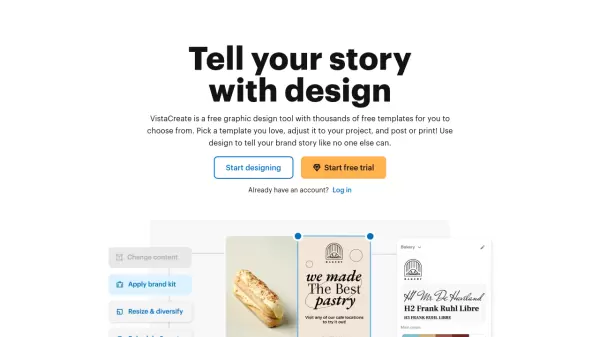
VistaCreate empowers users to create professional designs without specialized skills through its extensive library of 150,000+ templates and 70M+ creative assets. The platform combines powerful features including background removal, video editing, and brand kit management to deliver a complete design solution for businesses and creators.
The platform stands out with its comprehensive suite of tools for social media, web, and print designs, offering animated effects, team collaboration capabilities, and seamless integration with popular social platforms. Users can access an extensive collection of royalty-free stock photos, videos, vectors, fonts, and music to create engaging content across multiple formats.
Features
- Template Library: 150K+ professionally-designed templates for various formats
- Creative Assets: 70M+ royalty-free photos, videos, and vectors
- Brand Kit: Custom colors, fonts, and logos management
- Background Remover: One-click background removal tool
- Video Editor: Animation effects and video editing capabilities
- Social Media Integration: Direct posting and scheduling to platforms
- Team Collaboration: Up to 10 team members can work simultaneously
- Design Resize: Automatic design resizing for different formats
Use Cases
- Social media content creation
- Marketing materials design
- Business branding
- Digital advertising
- Print material development
- Video content creation
- Team collaboration on design projects
- Brand identity management
FAQs
-
What is VistaCreate?
VistaCreate is an online graphic design tool that allows anyone to quickly create content for social media, blogs, marketing, advertising, and much more without professional design skills. It offers 200,000+ ready-made static and animated templates that are updated weekly. -
How does the free trial work?
VistaCreate offers a 14-day free trial of the Pro plan, which can be canceled at any time.