What is Viddo?
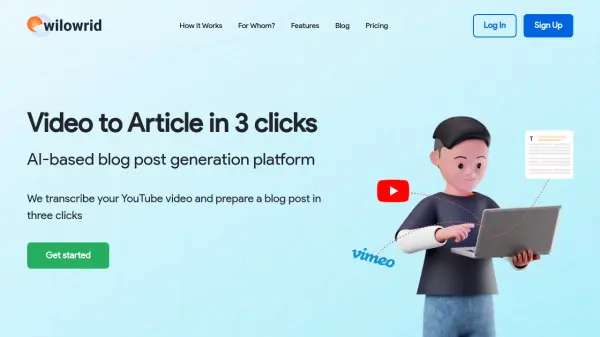
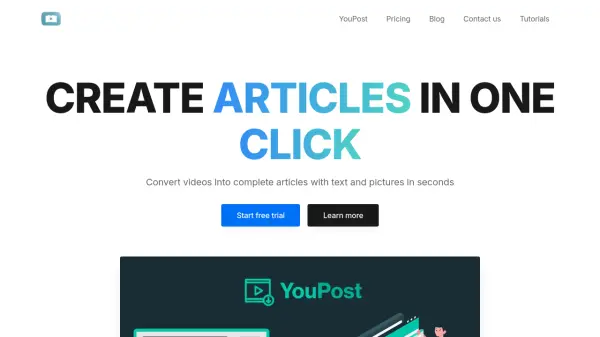
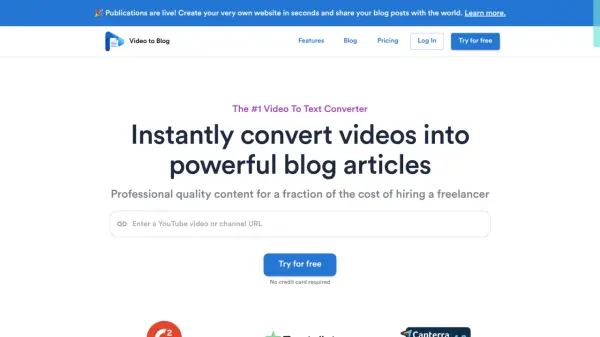
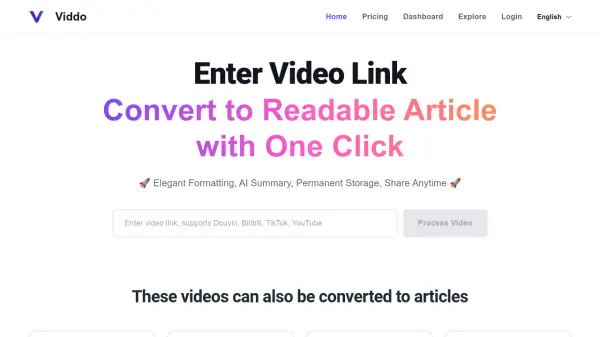
Viddo enables users to convert videos from popular platforms like YouTube, TikTok, Bilibili, and Douyin into well-formatted articles instantly. Leveraging AI, it extracts key information and presents it in a clean, readable layout, complete with summaries and permanent storage for easy access anytime.
The tool offers a simple workflow: paste a video link, click process, and receive an article version of the video content. Viddo is ideal for content creators, researchers, and anyone who prefers reading over watching videos. Pricing is usage-based, starting from $3 for 60 minutes of video processing.
Features
- One-Click Conversion: Convert any supported video to an article with a single click.
- AI Summary: Automatically generate concise summaries of video content.
- Elegant Formatting: Output articles are neatly formatted for easy reading.
- Permanent Storage: Saved articles can be accessed anytime, with no expiration.
- Multi-Platform Support: Works with YouTube, TikTok, Bilibili, Douyin, and more.
Use Cases
- Repurposing video content into blog posts or articles for SEO.
- Quickly extracting key points from long videos for research.
- Creating written summaries of educational or tutorial videos.
- Transforming video interviews into text for documentation.
- Saving video content for offline reading or reference.
FAQs
-
How to use Viddo?
Simply paste the video link into the input field on the homepage and click 'Process Video'. The tool will convert the video into an article with AI summary and elegant formatting. -
Why does processing sometimes take a long time?
Processing time depends on the video length and server load. Longer videos or high traffic may cause slight delays. -
Which platforms does Viddo support?
Viddo supports YouTube, TikTok, Bilibili, and Douyin. -
Is Viddo free?
Viddo is not free. It uses a usage-based pricing model where you purchase minutes to process videos. Packages start at $3 for 60 minutes. -
How does Viddo charge?
Viddo charges based on the total minutes of video processed. You buy a package with a certain number of minutes, which remain valid for a lifetime and can be used anytime.