
What is Vibe It?
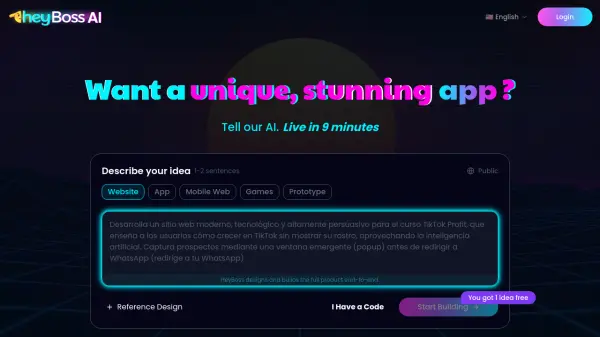
Vibe It is an innovative AI tool designed to transform how applications and websites are created. By leveraging conversational AI, users can describe their desired projects in natural language, and the platform generates functional code and designs accordingly. This approach eliminates traditional coding barriers, making development accessible to a broader audience.
The tool supports various project types including Netflix clones, admin dashboards, kanban boards, file managers, YouTube clones, store pages, Airbnb clones, and Spotify clones. Users interact with the AI by typing commands or descriptions, and the system responds by building the requested components. This streamlines the development process, reduces time-to-market, and enhances creativity through intuitive AI collaboration.
Features
- AI Chat Interface: Build projects through conversational commands
- Multiple Project Templates: Pre-built templates for Netflix, Spotify, Airbnb clones, and more
- Code Generation: Automatically generates functional code from descriptions
- No-Code/Low-Code Development: Simplifies app and website creation without extensive coding knowledge
- Real-Time Building: Instantly creates components as users chat with AI
Use Cases
- Building a Netflix clone for streaming services
- Creating an admin dashboard for business management
- Developing a kanban board for project tracking
- Designing a file manager for organizational tools
- Constructing a YouTube clone for video platforms
- Setting up a store page for e-commerce
- Building an Airbnb clone for rental services
- Creating a Spotify clone for music streaming