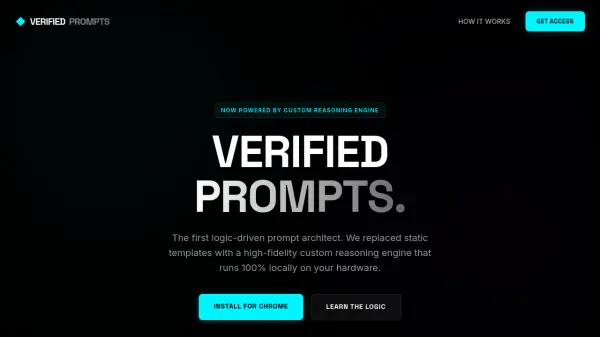
What is Verified Prompts?
Verified Prompts is a Chrome extension designed to revolutionize how users interact with AI platforms by replacing static prompt templates with a dynamic, logic-driven architecture. It utilizes a custom reasoning engine that operates entirely locally on the user's hardware, analyzing raw inputs to construct high-fidelity prompts with added context, persona, and constraints automatically. This approach eliminates prompt fatigue and enhances AI output accuracy by providing structured, expert-level instructions in real-time.
The tool integrates seamlessly into popular AI chat interfaces like ChatGPT, Claude, and Gemini, offering features such as Token Saver mode for prompt compression and JSON Mode for structured outputs. With a focus on privacy, all processing occurs in the browser using WebGPU, ensuring that user data never leaves the device. Verified Prompts is available through a lifetime Pro license or a free tier, making it accessible for both beginners and professionals seeking to optimize their AI workflows.
Features
- Custom Reasoning Engine: Uses a local transformer model to dynamically architect prompts from single sentences, replacing static templates.
- Token Saver Mode: Compresses complex prompts by up to 60% without losing logic, reducing token usage and costs.
- JSON Mode: Structures raw requests into parseable JSON objects for developers and specialized workflows.
- Universal HUD Integration: Seamlessly injects into ChatGPT, Claude, Gemini, and other platforms for consistent enhancement.
- Edge Privacy: Processes prompts 100% locally in the browser, ensuring data never leaves the user's device.
Use Cases
- Enhancing ChatGPT prompts for more accurate and structured outputs
- Optimizing Claude AI prompts with chain-of-thought instructions
- Generating detailed prompts for Midjourney or DALL-E image generation
- Reducing AI token usage and costs through efficient prompt engineering
- Creating production-ready JSON prompts for developers and automated workflows
FAQs
-
What browsers support Verified Prompts?
It supports Google Chrome and Chromium-based browsers like Edge and Brave that have WebGPU compatibility. -
Can Verified Prompts work offline?
Yes, once the model is downloaded to the browser cache, it functions without an internet connection. -
Is there a refund policy for Verified Prompts?
Yes, a 30-day money-back guarantee is offered for purchases. -
How many devices can I use with a Pro license?
Each Pro license supports up to 5 devices for syncing. -
Does Verified Prompts slow down browsers or AI tools?
No, it uses WebGPU for near-instant execution and only activates when the enhance button is clicked.