What is vennbrd?
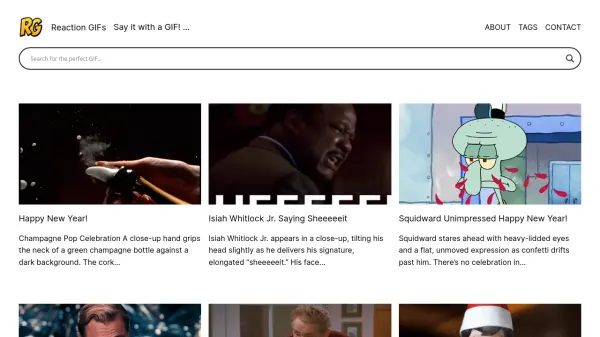
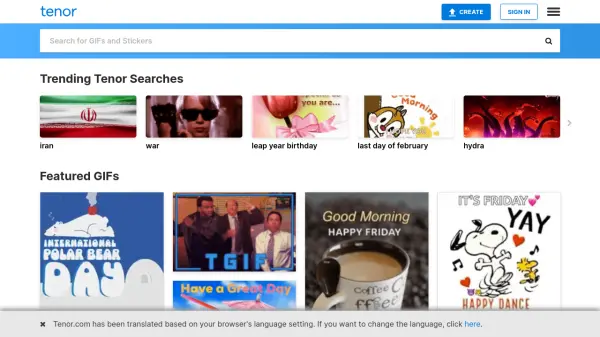
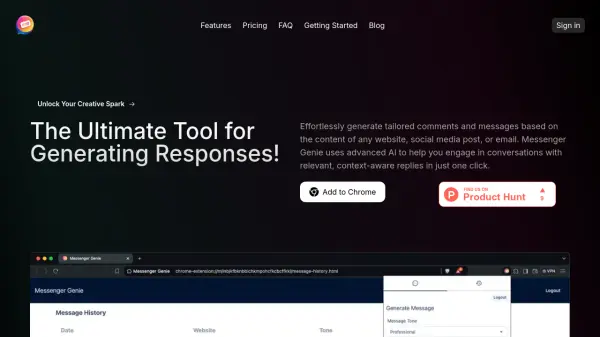
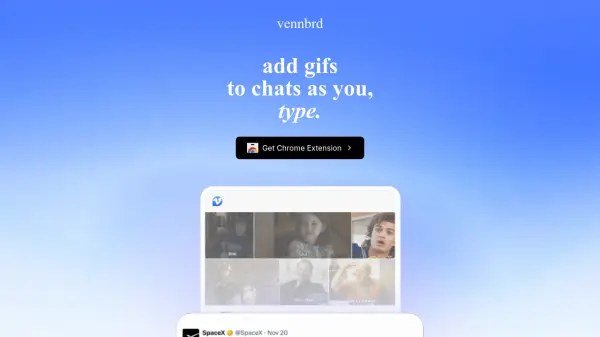
Vennbrd is a Chrome extension designed to enhance online communication by seamlessly integrating GIFs into everyday typing. It functions by automatically analyzing the text as users compose messages and suggests relevant GIFs in real-time across various web applications. This allows for quick and effortless expression of feelings and ideas without interrupting the flow of conversation.
The tool aims to provide optimal GIF suggestions in under a second, supporting popular platforms such as X (formerly Twitter), WhatsApp, Instagram, and LinkedIn. By offering instant suggestions and easy access to favorite GIFs, Vennbrd streamlines the process of finding and sharing visual expressions, making digital interactions more engaging and dynamic.
Features
- Automatic GIF Browsing: Automatically browses for relevant GIFs based on your ongoing chat.
- Instant GIF Suggestions: Provides GIF suggestions in under 1 second as you type.
- Cross-Platform Compatibility: Works across the web on platforms like X, WhatsApp, Instagram, LinkedIn, and more.
- Favorite GIFs Access: Allows users to easily access and use their favorite GIFs.
Use Cases
- Enhancing social media conversations with expressive GIFs.
- Adding humor and personality to direct messages and emails.
- Making online communication more engaging with relevant visuals.
- Quickly sharing reactions and feelings in online chats without interrupting typing flow.