
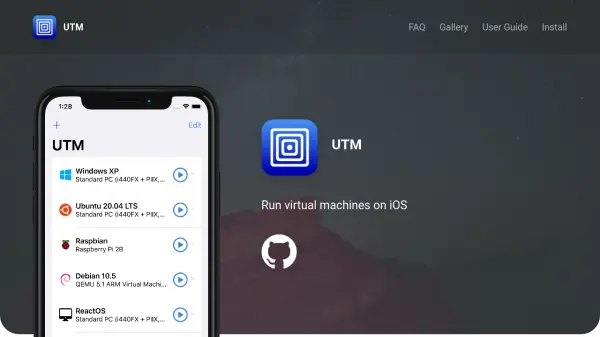
What is UTM?
UTM enables users to run virtual machines directly on iOS devices, supporting a wide range of processors such as x86_64, ARM64, and RISC-V through qemu emulation. It allows the execution of various operating systems, including Windows and Linux, in a secure and native environment within the app.
The tool offers features like para-virtualization with SPICE, JIT compilation with TCG for fast emulation, and compatibility with iOS 11 and above on both iPhone and iPad. It provides a user-friendly native UI for configuring VMs, supports console mode for headless servers, and includes sharing capabilities such as directory, clipboard, and port forwarding.
Features
- Processor Emulation: Supports over 30 processors including x86_64, ARM64, and RISC-V via qemu
- Operating System Support: Runs Windows, Linux, and other OSes natively and securely on iOS
- Fast Emulation: Utilizes para-virtualization with SPICE and JIT compilation with TCG for performance
- High Compatibility: Works on iOS 11+ for iPhone and iPad without jailbreak required for iOS 11-13
- Easy to Use: Provides a native UI for configuring and customizing virtual machines
- Console Mode: Allows running headless server VMs in a native terminal interface
- Sharing Features: Includes shared directory, clipboard, and port forwarding capabilities
- Multiple Inputs: Supports external keyboards, mouse, touchpads, Apple Pencil, and controllers
Use Cases
- Running Windows applications on an iPad for productivity tasks
- Testing Linux distributions on an iPhone for development purposes
- Setting up headless servers on iOS devices for remote management
- Emulating different processor architectures for educational or research projects
- Using external peripherals like keyboards and controllers with virtual machines on mobile devices