What is uPresenter?
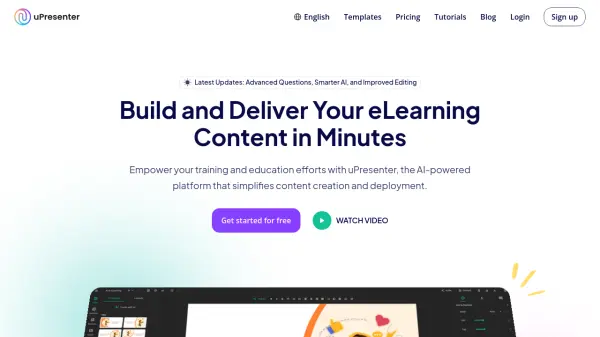
uPresenter is an AI-powered platform designed to simplify the creation and deployment of eLearning content for training and education. It enables users to build presentations, quizzes, and learning modules rapidly, eliminating the need for complex Learning Management System (LMS) installations. Users can create, share, and track content all within one integrated environment, monitoring progress and performance through built-in analytics.
The platform facilitates quick content design using intuitive functionality and customizable templates. Users can import existing documents (PPTX, DOCX, PDF, TXT) or start from scratch, enhancing content with images, videos, and audio. The integrated AI Assistant helps craft or refine content by generating slides, providing suggestions, automatically creating quiz questions from presentations, and improving grammar and readability. Content can be shared instantly online, with options for real-time collaboration and access control. For integration needs, presentations can be exported as PDF files or xAPI-compliant packages.
Features
- AI-Powered Content Creation: Quickly build presentations, quizzes, and learning modules with AI assistance.
- No LMS Setup Required: Launch content instantly without complex installations.
- All-in-One Platform: Create, share, track progress, and analyze performance in one place.
- Quick Content Design: Use templates, pre-built layouts, and import various file types (PPTX, DOCX, PDF, TXT).
- AI Assistance Suite: Generate entire presentations, get suggestions, auto-generate quizzes, check grammar.
- Seamless Sharing & Collaboration: Share instantly online, collaborate in real-time, set access permissions.
- Integrated Tracking & Analytics: Monitor user progress, quiz scores, and engagement metrics.
- Flexible Export Options: Export presentations as xAPI packages or PDF files.
Use Cases
- Creating online courses and training modules.
- Developing interactive presentations for education or business.
- Building quizzes and assessments for learners.
- Delivering corporate training and professional development programs.
- Tracking employee learning progress and outcomes.
- Generating client presentations for freelancers and consultants.
- Rapidly deploying learning materials without LMS infrastructure.
FAQs
-
Do I need an LMS to use uPresenter?
No, uPresenter is a standalone platform that allows you to create, share, and track learning content without requiring an LMS.