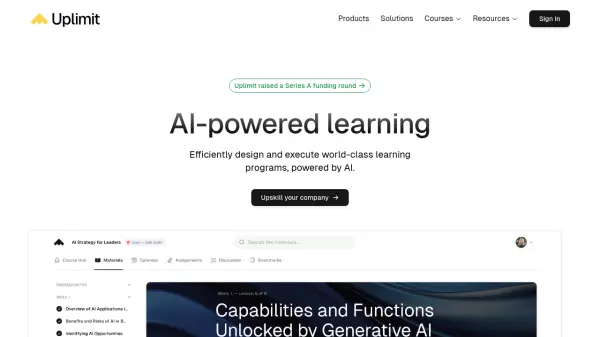
What is Uplimit?
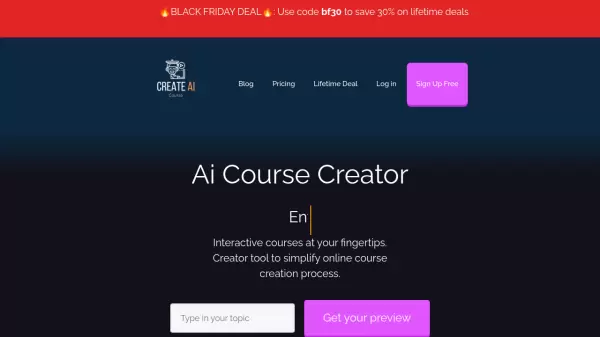
Uplimit transforms traditional learning management with its comprehensive AI-powered platform that enables rapid course creation and efficient program delivery. The platform combines automated cohort management, real-world scenario practice through AI roleplays, and personalized feedback systems to deliver scalable learning experiences.
The platform features enterprise-grade security standards and enables organizations to create active learning communities while automating communication, events, and learner support. Through AI integration, it accelerates course creation and updates processes, allowing organizations to transform any material into tailored educational programs.
Features
- AI Course Creation: Design and launch courses in minutes instead of weeks
- Automated Cohort Management: Scale learning experiences with automated communication and support
- AI Roleplays: Practice real-world scenarios with real-time feedback
- Community Building: Foster peer support and social connection
- Enterprise Security: Industry-standard privacy and data protection
Use Cases
- Customer Education Programs
- Leadership Development Training
- Technical Skills Enhancement
- Sales Team Training
- Employee Onboarding
- Capability Building Programs
FAQs
-
How does Uplimit ensure data security?
Uplimit meets or exceeds all industry standards for privacy and security. Data is siloed within organizations and is never used to train other LLMs. -
What types of courses can be created on Uplimit?
Organizations can create courses across various domains including AI & Data, Software Engineering, Leadership, and custom corporate training programs.