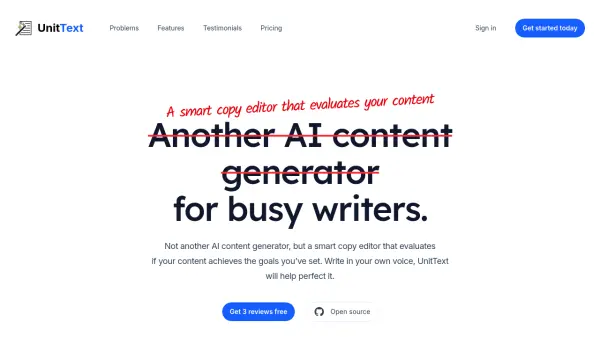
What is UnitText?
UnitText offers a unique approach to content improvement, positioning itself as a smart copy editor rather than a generative AI tool. It assists users in refining their writing by evaluating content against predefined goals and target audience specifications. This allows writers to maintain their authentic voice and expertise while receiving structured, actionable feedback to enhance clarity and effectiveness.
Designed for various writing tasks, UnitText supports blog posts, academic articles, emails, and technical documentation. Through its browser extension and developer-focused CLI tool, it provides professional-grade review and suggestions, mimicking the input of a freelance copy editor. The tool guides users through defining their writing purpose and audience, applying a unit testing concept to prose for a deliberate iteration process, ensuring content is focused, resonant, and achieves communication objectives.
Features
- Goal-Oriented Content Evaluation: Define specific goals and target audience for AI analysis.
- Iterative Feedback Loop: Provides structured, actionable feedback based on unit testing principles for prose.
- Authentic Voice Preservation: Helps improve writing without generating generic content, maintaining the user's unique style.
- Browser Extension: Offers instant copy editing suggestions directly within the browser for blogs, articles, and emails.
- Developer CLI Tool: Allows integration of content review into development workflows and CI processes.
- Email Assistant: Reviews emails for tone, clarity, and professionalism.
- Academic Writing Support: Provides professional-grade review for journal articles and research papers.
Use Cases
- Improving blog posts for better audience connection.
- Refining academic papers for clarity and scholarly integrity.
- Crafting professional and clear business emails.
- Ensuring consistency and quality in technical documentation.
- Providing structured feedback for freelance copy editing workflows.
- Enhancing content marketing materials for specific target audiences.
FAQs
-
What exactly is UnitText?
UnitText applies unit testing concepts to writing, acting as an AI critic and copy editor to help validate and improve your writing based on defined criteria, rather than generating content for you. -
What’s wrong with using AI to write my blog posts?
AI-generated content often lacks a unique voice and expertise. UnitText helps you use AI to critique and improve your own writing, ensuring authenticity. -
Can I use UnitText for content other than blog posts?
Yes, UnitText can validate any written content where you need to ensure it meets specific goals and resonates with the target audience. -
How do I use the CLI version?
Install via uv, pip, or pipx. Use 'unit-text ideate' to define your idea (creates unit-text.json), then 'unit-text test <draft.md>' to validate your draft against the criteria. -
How do I get started as a content writer using UnitText?
Install the browser extension from your browser's store to use it directly while writing online.