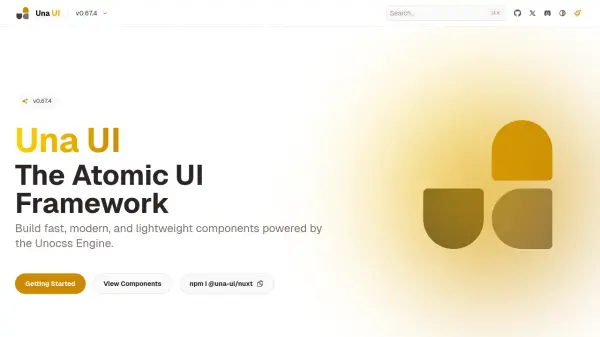
What is Una UI?
Una UI is an atomic UI framework that enables developers to create fast, modern, and lightweight components for web applications. It leverages the Unocss engine to optimize performance and styling efficiency, making it suitable for projects where speed and minimalism are priorities. The framework includes high-quality presets to reduce boilerplate code and accelerate development workflows.
Built with Vue 3 and TypeScript support, Una UI offers a themeable system with dark mode readiness and customizable options. Its components are crafted for extensibility, allowing users to integrate their own themes, styles, and components seamlessly. The framework supports auto dark mode based on user preferences, enhancing accessibility and user experience across different environments.
Features
- High Quality Presets: A set of high quality presets for your next project to reduce boilerplates.
- Themeable: Built-in theming system support with dark mode readiness and customization options.
- Crafted Components: A set of crafted components for Vue 3 with TypeScript support.
- Lightweight: Built with performance in mind and powered by the Unocss style engine.
- Extendable & Hackable: Allows use of your own components, themes, and styles for flexibility.
- Auto Dark Mode: Auto dark mode support based on prefer color-scheme for enhanced accessibility.
Use Cases
- Building fast and modern web applications with Vue 3
- Creating lightweight UI components for performance-focused projects
- Developing themeable interfaces with dark mode support
- Reducing boilerplate code in frontend development
- Customizing and extending UI frameworks for specific needs