What is Typst?
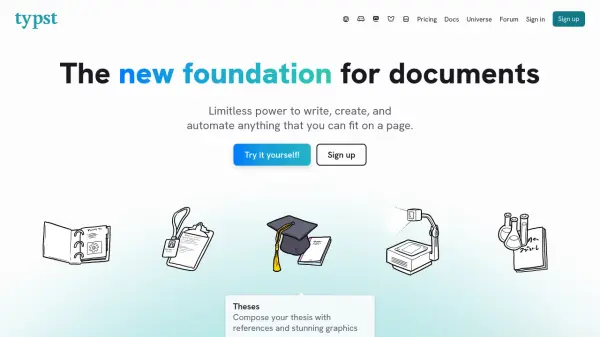
Typst is a comprehensive document creation platform that provides users with limitless power to write, create, and automate anything that can fit on a page. Built on an open-source compiler developed with community contributions, Typst transforms markup into professional PDFs, images, and web pages through a collaborative web application accessible directly in browsers without installation requirements.
The platform supports a wide range of document types including specifications, reports, theses, presentations, papers, lecture notes, transactional documents, books, resumes, letters, invoices, proposals, and websites. It features built-in support for visualizations, mathematics, plots and charts, tables, code syntax highlighting, bibliographies, and slides, while offering integrated scripting capabilities for custom automation and data loading from various sources like JSON and CSV files.
Features
- Markup-based Writing: Write content using clean markup syntax with automatic formatting and real-time compilation
- Real-time Collaboration: Create teams, share projects, and collaborate with comments directly in the editor
- Automation Scripting: Use embedded scripting features with conditionals, loops, functions, and data loading for document automation
- Template System: Access community templates and create private packages for custom document building blocks
- File Conversion: Convert existing Word, LaTeX, Markdown, and OpenDocument Text files to Typst projects
Use Cases
- Academic writing including theses, papers, and lecture notes with complex equations and references
- Business documentation such as reports, proposals, invoices, and transactional documents
- Technical documentation with code snippets, tables, and visualizations
- Presentation creation with slideshow capabilities and real-time preview
- Resume and CV development using professional templates
FAQs
-
What file formats can Typst export to?
Typst can export documents as PDFs, images, and web pages (in preview) without requiring users to modify their markup. -
Can I import existing documents into Typst?
Yes, Typst allows conversion of Word, LaTeX, Markdown, and OpenDocument Text files to Typst projects through its dashboard. -
Does Typst support bibliography management?
Typst automatically formats citations and references and can sync with reference managers like Zotero and Mendeley for bibliography management. -
Is there a free version of Typst available?
Yes, Typst offers a Free plan that includes project creation, collaboration features, community packages, and file conversion capabilities. -
How does Typst handle real-time collaboration?
Typst enables team creation, project sharing, and inline commenting with conversation threads that allow collaborators to review and resolve feedback directly within the editor.