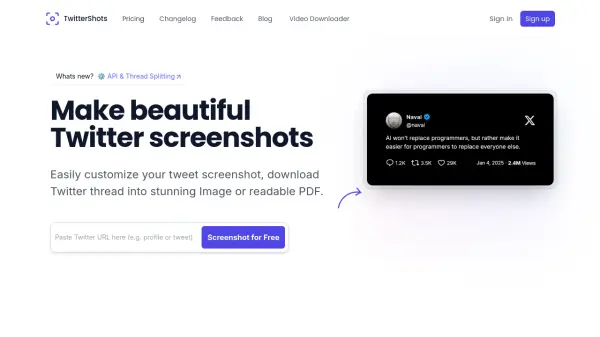
What is TwitterShots?
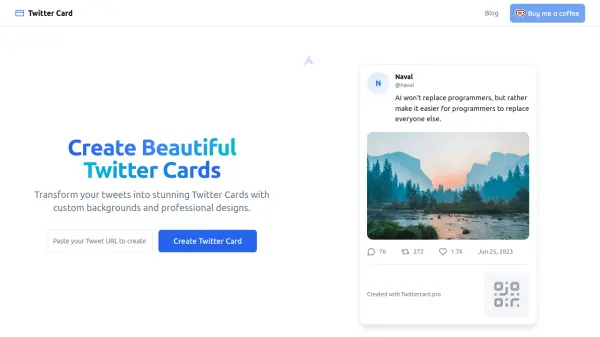
TwitterShots enables users to generate visually appealing screenshots of Twitter posts and threads. It offers customization options, allowing users to personalize the appearance of their screenshots with various themes and styles to align with their branding or preferences. The tool can handle single tweets, quoted posts, media content like emojis and links, and even Twitter profiles.
Beyond single tweets, TwitterShots provides functionality to unroll long Twitter threads into a single, readable PDF document or split them into individual images for easier sharing. It also incorporates AI-powered translation to make tweet content accessible to a wider audience. The service aims to provide a more elegant and effective way to share Twitter content across different platforms like Instagram, TikTok, or blogs, compared to standard links or basic device screenshots.
Features
- Efficient Screenshot Generation: Create tweet screenshots quickly by inputting the tweet URL.
- Custom Styling: Personalize screenshots with themes and styling options.
- Thread Unroll or Split Image: Convert Twitter threads into a single PDF or separate images.
- Cross-Platform Use: Accessible via web, mobile devices, and an Apple Shortcut.
- Premium Quality Exports: Provides clean, watermark-free images and PDFs (Pro).
- AI Translation: Translate tweet content using AI assistance for global reach (Pro).
Use Cases
- Sharing visually appealing tweet screenshots on platforms like Instagram, TikTok, and blogs.
- Saving and sharing long Twitter threads as readable PDFs.
- Splitting Twitter threads into individual images for carousel posts.
- Creating customized profile card images for sharing.
- Archiving important tweets or threads in a clean format.
- Translating tweets for non-native speakers before sharing.