
What is TranslaDocs?
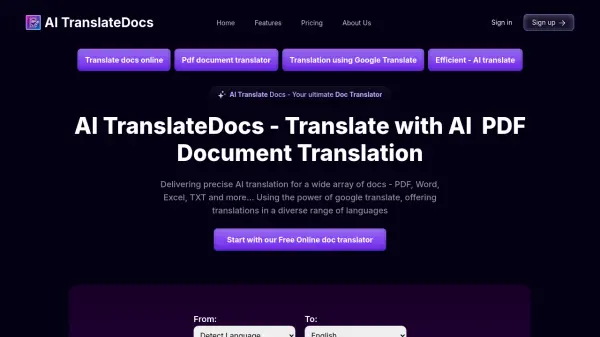
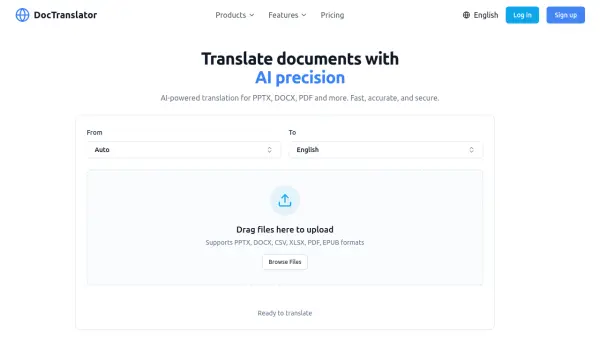
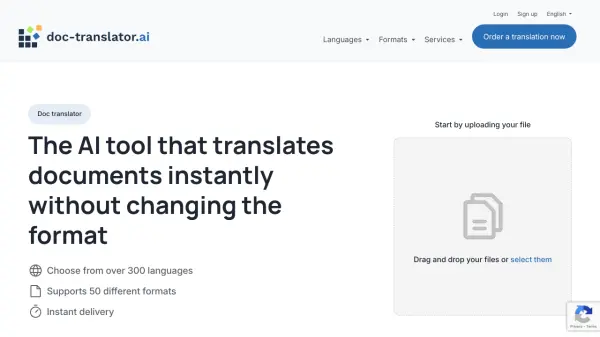
TranslaDocs is a user-friendly online platform designed for seamless document translation, catering to both individuals and businesses. By utilizing advanced machine translation technology via Google Translate API, TranslaDocs delivers fast and accurate translations for a wide array of document formats, including Word, PDF, Excel, PowerPoint, Markdown, HTML, subtitles, and more. Users simply upload their file, select their desired languages, and receive a professionally formatted translation with no watermarks on sensitive document types.
This service stands out due to its commitment to confidentiality, ensuring that uploaded files are deleted after an hour to protect user data. With support for numerous languages and unlimited document size, TranslaDocs offers an efficient, cost-free solution for translating contracts, manuals, reports, and websites, helping users overcome language barriers in both professional and personal contexts.
Features
- Multiple File Format Support: Translates DOC, DOCX, XLSX, PDF, PPTX, MD, ODS, ODT, HTML, TXT, SRT, VTT, STL, SBV, SUB, ASS, DFXP, TTML, and more.
- No Watermarks: Does not add watermarks to sensitive documents like Word, PDF, Excel, and others, maintaining document professionalism.
- Maintains Document Structure: Preserves formatting, images, and tables in the translated output.
- Unlimited Document Size: No restrictions on file size or character count for translations.
- Free Service: 100% cost-free for all users.
- Data Security: Uploaded files are automatically deleted after one hour for privacy.
- Wide Language Support: Offers translations between dozens of global languages.
- Fast and User-Friendly: Simple upload, translate, and download process requiring no technical expertise.
- Subtitle File Translation: Supports various subtitle formats with watermark addition only to subtitles.
Use Cases
- Translating legal contracts for multinational business operations.
- Converting medical reports for multilingual healthcare needs.
- Automating user manual translation for global product distribution.
- Translating website HTML content to reach diverse audiences.
- Adapting academic documents for international submissions.
- Preparing product descriptions for global e-commerce platforms.
- Translating policy documents for international organizations.
FAQs
-
What document formats does TranslaDocs support?
TranslaDocs supports a wide variety of file formats including DOC, DOCX, XLSX, PDF, PPTX, MD, ODS, ODT, ODG, OTS, OTT, CSV, TSV, RTF, RESX, HTML, SRT, VTT, STL, SBV, SUB, ASS, DFXP, and TTML. -
Are there any limits on the size or number of characters for documents?
There are no size or character limits on documents submitted for translation. -
How does TranslaDocs ensure document privacy?
Uploaded documents are automatically deleted from the system after one hour to maintain privacy and data security. -
Will watermarks be added to the translated document?
No watermarks are added to sensitive documents such as Word, PDF, Excel, PowerPoint, and HTML files. Watermarks are only added to subtitle files. -
Do I need to install any software to use TranslaDocs?
No installation is required. TranslaDocs is accessed directly via a web browser.